Tips and Strategies for Building AI-First Apps

As you launch on developing your next application, you’re likely considering the role of artificial intelligence in enhancing user experience. You want your app to be intelligent, intuitive, and innovative. Your goal is to create an app that not only leverages AI capabilities but also provides a seamless and personalized experience for your users. You will learn how to harness the power of AI to drive your app’s development and success, and this post will guide you through the process with expert tips and strategies.

Key Takeaways:

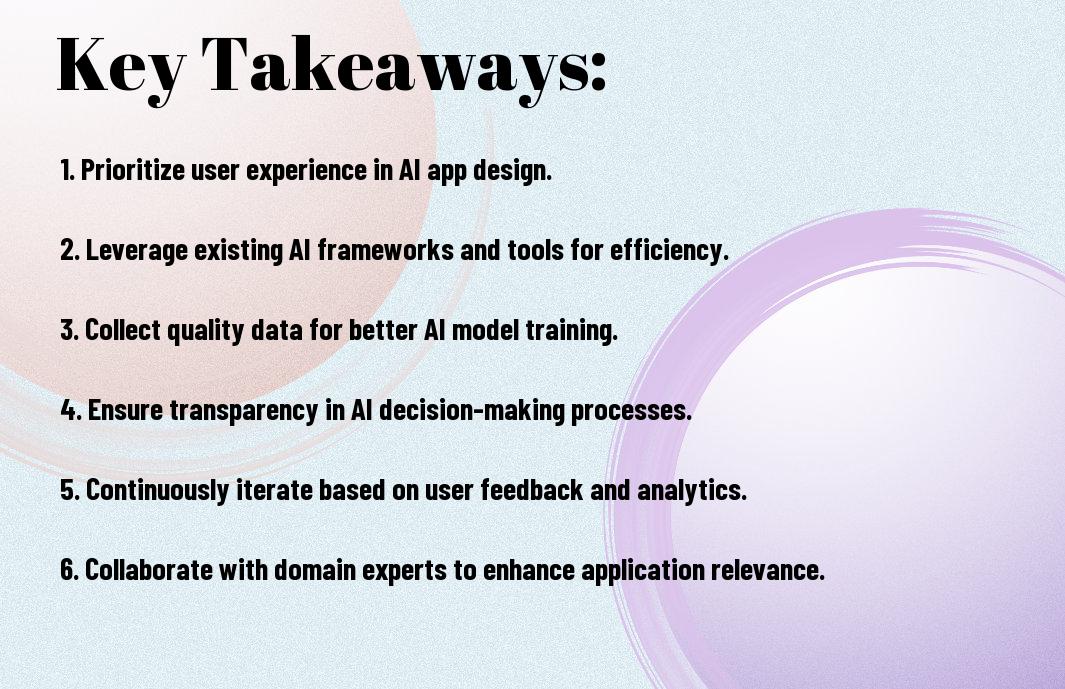
  • Define a clear AI strategy that aligns with your business goals and objectives, ensuring that AI is integrated into the core of your application from the outset.
  • Focus on developing a robust data infrastructure to support AI capabilities, including data collection, processing, and analysis.
  • Design intuitive user interfaces that seamlessly integrate AI-driven features, providing a seamless and engaging user experience.
  • Leverage cloud-based services and platforms to streamline AI development, deployment, and maintenance, reducing costs and increasing scalability.
  • Continuously monitor and evaluate AI performance, using metrics and feedback to refine and improve AI-driven features and capabilities over time.
Core AI Components for Modern Applications

To build AI-first apps, you need to understand the core components that drive their functionality. Your application’s success relies on the effective integration of these components, which include machine learning, natural language processing, and computer vision.

Machine Learning Integration Points

Points to consider when integrating machine learning into your app include data quality, model selection, and training methods. You should carefully evaluate your data and choose the most suitable model to achieve your desired outcomes, ensuring your app provides accurate and reliable results.

Natural Language Processing Elements

Around the concept of natural language processing, you’ll find various elements that enable your app to understand and generate human-like language. You can leverage these elements to create chatbots, sentiment analysis tools, and language translation features that enhance your app’s user experience.

Modern natural language processing techniques allow you to analyze and generate text, speech, and dialogue, enabling your app to interact with users in a more intuitive and personalized way. You can use these techniques to build conversational interfaces, such as voice assistants or chatbots, that understand and respond to user input, making your app more engaging and user-friendly.

Data Architecture Fundamentals

There’s no denying that a well-designed data architecture is important for building AI-first apps, as it enables you to efficiently process and analyze large amounts of data, which is necessary for training AI models.

Data Collection and Processing

Gathering data from various sources is key to building a robust AI model, and you should consider how to integrate and process your data in a way that supports your app’s functionality.

Model Training Infrastructure

At the heart of your AI-first app is the model training infrastructure, which you will use to train and deploy your AI models, and you should design it to be scalable and flexible.

Considering your model training infrastructure, you will want to ensure that it can handle large amounts of data and scale to meet the needs of your app, and you should also consider using cloud-based services to reduce costs and improve efficiency, allowing you to focus on developing and improving your AI models.

AI Development Best Practices

After laying the foundation for your AI-first app, you’ll want to focus on best practices that ensure its success. You’ll need to consider several factors, including model selection, optimization, and scalability, to create a robust and efficient application.

Model Selection and Optimization

Alongside your development process, you should evaluate various models to determine which one best suits your app’s requirements, considering factors such as accuracy, complexity, and computational resources, to optimize your AI’s performance.

Scalability Considerations

Before deploying your app, you should think about scalability, ensuring your AI system can handle increased traffic and data, and that your infrastructure can adapt to growing demands without compromising performance or user experience.

With scalability in mind, you can design your app to handle large volumes of data and user requests, allowing you to expand your user base without worrying about your AI’s ability to keep up, and you should plan for potential bottlenecks and develop strategies to mitigate them, ensuring your app’s continued success.

User Experience in AI Applications

Keep in mind that a well-designed user experience is imperative for AI-first apps, as it directly impacts user engagement and adoption. You need to consider how your users will interact with your AI-powered app and ensure that it is intuitive and easy to use.

Intuitive AI Interfaces

Interacting with AI systems requires careful consideration of the interface design, as you want your users to be able to easily understand and navigate your app. You should focus on creating simple and consistent interfaces that make it easy for users to access the AI-powered features.

Feedback Loop Implementation

One key aspect of AI-first apps is the implementation of a feedback loop, which allows your app to learn and improve over time based on user interactions. You should design your app to collect and incorporate user feedback, enabling your AI system to refine its performance and provide better results.

A well-implemented feedback loop can significantly enhance the user experience, as it enables your app to adapt to the user’s needs and preferences. As you design your feedback loop, you should consider how you will collect, process, and incorporate user feedback, and ensure that it is seamless and transparent to the user.

Performance Optimization

All AI-first apps require careful performance optimization to ensure seamless user experience. You need to consider factors like latency, throughput, and resource utilization to build a high-performing app.

Resource Management

The key to efficient resource management is allocating resources effectively, allowing your app to scale as needed. You should monitor your app’s resource usage and adjust accordingly to prevent bottlenecks.

Response Time Enhancement

Above all, optimizing response time is vital for your app’s success. You can achieve this by minimizing latency, optimizing database queries, and leveraging caching mechanisms to reduce load times.

Understanding how your app’s architecture impacts response time is necessary for making informed optimization decisions. You should analyze your app’s workflow, identify bottlenecks, and apply techniques like parallel processing, content delivery networks, and edge computing to enhance response times, ultimately improving your users’ experience.

Security and Ethics

Now that you’re building AI-first apps, considering security and ethics is vital to protect your users’ trust and maintain a positive reputation. You must prioritize these aspects to ensure the long-term success of your application.

Data Privacy Measures

To safeguard your users’ sensitive information, you should implement robust data privacy measures, such as encryption and secure data storage, to prevent unauthorized access and potential data breaches.

Ethical AI Implementation

Between developing and deploying AI models, you need to ensure that your implementation is fair, transparent, and unbiased, avoiding any potential harm to your users or society as a whole.

Privacy is a fundamental right, and as you implement ethical AI, you should consider the potential impact of your app on your users’ personal lives, taking steps to mitigate any negative consequences and maintain their trust in your application, which is important for your success in the long run, and you should be aware of the potential risks and take proactive measures to address them.

Summing up

Conclusively, you now have the knowledge to build AI-first apps that transform your business. You can leverage these tips and strategies to create innovative solutions, enhancing your users’ experience. By prioritizing AI in your development process, you will unlock new opportunities, driving growth and success for your organization. Your ability to adapt and innovate will set you apart, allowing you to stay ahead in a competitive market.

FAQ

Q: What are the key considerations when designing an AI-first app, and how can I ensure a seamless user experience?

A: When designing an AI-first app, it’s imperative to prioritize a user-centered approach, focusing on simplicity, intuitiveness, and transparency. To achieve a seamless user experience, consider the following strategies: implement intuitive navigation, provide clear explanations of AI-driven decisions, and offer personalized feedback mechanisms. Additionally, ensure that your app’s AI components are explainable, fair, and unbiased, and that you have a robust testing and validation process in place to identify and address potential issues.

Q: How can I effectively integrate machine learning models into my AI-first app, and what are some best practices for model training and deployment?

A: To integrate machine learning models into your AI-first app, start by selecting the most suitable model for your specific use case, considering factors such as data quality, complexity, and scalability. Best practices for model training include using high-quality, diverse datasets, monitoring performance metrics, and continuously updating and refining your models. When deploying models, ensure that you have a robust infrastructure in place, leveraging cloud-based services or containerization to enable efficient scaling and management. Furthermore, implement model interpretability techniques, such as feature attribution or model explainability, to provide insights into AI-driven decisions.

Q: What are some strategies for ensuring the security and reliability of AI-first apps, and how can I mitigate potential risks associated with AI-driven decision-making?

A: To ensure the security and reliability of AI-first apps, implement robust data validation and sanitization mechanisms, encrypt sensitive data, and use secure communication protocols. Additionally, consider implementing techniques such as adversarial training, anomaly detection, and redundancy to mitigate potential risks associated with AI-driven decision-making. Regularly monitor your app’s performance, and have a plan in place for addressing potential errors or biases. It’s also imperative to establish clear guidelines and regulations for AI development, deployment, and maintenance, and to invest in ongoing education and training for your development team to stay up-to-date with the latest AI security best practices and standards.

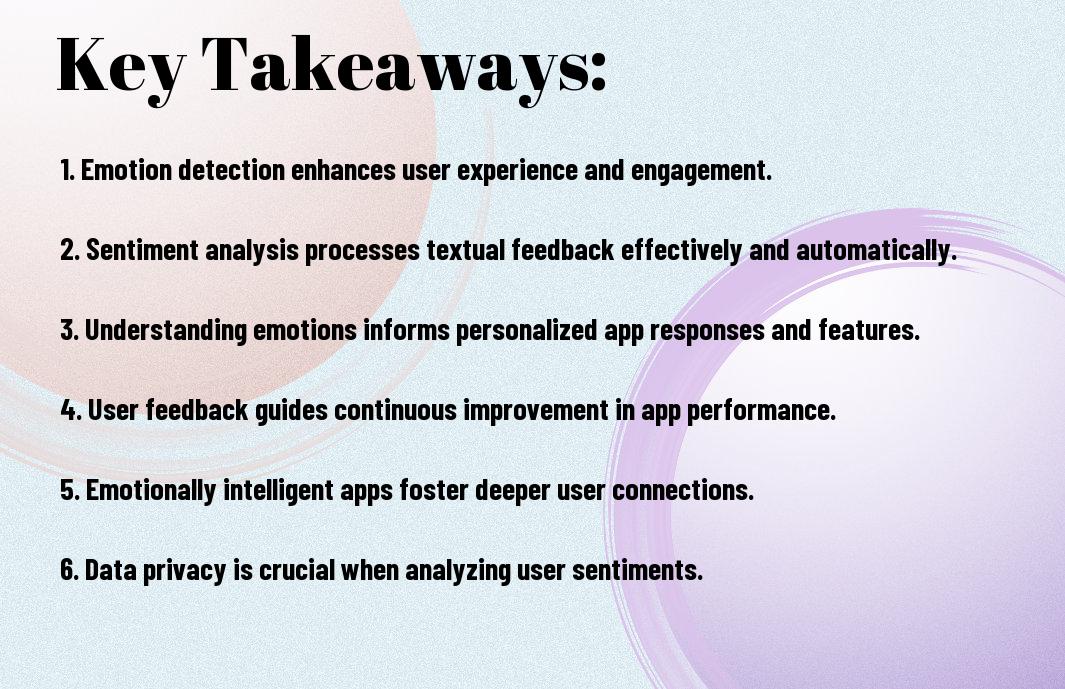
Creating Emotionally Intelligent Apps with Sentiment Analysis

As you develop your app, you’re likely considering how to make it more engaging and user-friendly. You want your app to understand your users’ emotions and respond accordingly. With sentiment analysis, you can create emotionally intelligent apps that analyze user feedback and adapt to their needs. By integrating this technology, you can improve user experience, increase satisfaction, and build a loyal user base, ultimately driving the success of your app.

Key Takeaways:

  • Developing apps with sentiment analysis capabilities allows for a more personalized user experience, as it enables the app to understand and respond to the emotions of its users.
  • Sentiment analysis can be used to improve customer service, by automatically detecting and addressing negative user feedback, and providing timely support when needed.
  • Emotionally intelligent apps can increase user engagement, as they are able to adapt their interactions to match the user’s emotional state, creating a more empathetic and human-like experience.
  • Integrating sentiment analysis into apps can also provide valuable insights into user behavior and preferences, allowing developers to make data-driven decisions and improve the overall app design.
  • By leveraging natural language processing and machine learning techniques, developers can create apps that not only understand user emotions but also evolve and improve over time, leading to a more satisfying and effective user experience.

Foundations of Sentiment Analysis

A key aspect of creating emotionally intelligent apps is understanding sentiment analysis, which you can learn more about by exploring Advancing Sentiment Analysis Through Emotionally-Intelligent Systems, to improve your app’s emotional intelligence.

Natural Language Processing Basics

Basically, natural language processing is the foundation upon which sentiment analysis is built, allowing you to analyze and understand the nuances of human language in your app.

Emotional Data Classification

Across various aspects of your app, emotional data classification plays a significant role in determining user sentiment, enabling you to tailor your app’s response to the user’s emotional state.

But as you probe deeper into emotional data classification, you’ll find that it involves complex algorithms and machine learning techniques to accurately categorize user emotions, allowing you to create a more personalized and empathetic user experience in your app.

Core Components of Sentiment Analysis

Some of the key elements that make up sentiment analysis include natural language processing, machine learning, and data visualization, which you will need to understand in order to develop emotionally intelligent apps that can accurately gauge user emotions and respond accordingly, allowing you to create a more personalized experience for your users.

Text Preprocessing Methods

Comprising various techniques, text preprocessing methods help you clean and normalize your data, enabling your app to better comprehend the nuances of human language and sentiment, so you can focus on developing an app that truly understands your users’ emotions and needs.

Sentiment Scoring Mechanisms

The foundation of sentiment analysis lies in sentiment scoring mechanisms, which you can use to assign a sentiment score to a piece of text, indicating whether the sentiment is positive, negative, or neutral, and this score can be used to inform your app’s response to user input, allowing you to create a more empathetic and engaging user experience.

Plus, as you investigate deeper into sentiment scoring mechanisms, you will discover that they can be tailored to your specific use case, allowing you to fine-tune your app’s sentiment analysis capabilities and provide more accurate and relevant responses to your users, which can lead to increased user satisfaction and loyalty, and ultimately, a more successful app.

Implementation Techniques

Keep in mind that implementing sentiment analysis in your app requires careful consideration of various techniques. You will need to evaluate different approaches to determine which one best suits your needs.

Machine Learning Models

Against the backdrop of traditional rule-based systems, machine learning models offer a more effective way to analyze sentiment. You can use supervised learning algorithms to train your model on labeled datasets, enabling your app to make accurate predictions.

Neural Network Approaches

About the most effective methods for sentiment analysis, neural networks have shown promising results. You can leverage convolutional neural networks (CNNs) or recurrent neural networks (RNNs) to analyze text data and detect emotional cues.

With neural network approaches, you can probe deeper into the complexities of human emotions and develop more sophisticated sentiment analysis systems. You can experiment with different architectures, such as long short-term memory (LSTM) networks, to improve the accuracy of your app’s emotional intelligence, allowing you to create a more engaging and empathetic user experience.

Real-time Sentiment Processing

For your app to effectively utilize sentiment analysis, you need to process user feedback in real-time, allowing you to respond promptly to their emotions and needs, thus enhancing their overall experience.

Stream Analysis Methods

By leveraging natural language processing and machine learning algorithms, you can analyze user sentiment from various streams of data, such as social media, reviews, and feedback forms, to gain valuable insights into their emotions and opinions.

Response Time Optimization

Sentiment analysis enables you to optimize your app’s response time, allowing you to address user concerns and emotions in a timely manner, which is imperative for building trust and loyalty with your users.

Realtime processing of user sentiment allows you to take immediate action, adjusting your app’s behavior to better meet the needs of your users, and as you continue to collect and analyze user feedback, you can refine your app’s performance, making data-driven decisions to improve user satisfaction and engagement, ultimately driving the success of your app.

User Experience Integration

Once again, you’ll need to consider how sentiment analysis can enhance your app’s user experience, making it more intuitive and engaging for your users.

Emotional Response Handling

Any emotional response from your users should be acknowledged and handled appropriately, allowing you to build trust and improve your app’s overall usability.

Interface Adaptability

An adaptable interface can adjust to your users’ emotions, providing a more personalized experience and increasing user satisfaction with your app.

Plus, by incorporating sentiment analysis into your interface adaptability, you can create an app that responds to your users’ emotional state, offering support or guidance when needed, and enhancing their overall interaction with your app, making it more enjoyable and effective for them to use.

Privacy and Ethical Considerations

Many developers overlook the importance of privacy and ethical considerations when creating emotionally intelligent apps with sentiment analysis, but you must prioritize these aspects to maintain user trust and avoid potential backlash.

Data Protection Measures

Beneath the surface of sentiment analysis lies a complex web of data protection concerns, and between the lines of code, you must implement robust measures to safeguard user data and ensure compliance with regulations.

Ethical Implementation Guidelines

On the path to creating emotionally intelligent apps, you will encounter numerous ethical dilemmas, and on the forefront of your mind should be the need to prioritize transparency, fairness, and accountability in your implementation of sentiment analysis.

Further, as you explore deeper into the world of sentiment analysis, you will need to consider the potential biases and limitations of your algorithms, and take steps to mitigate these issues, ensuring that your app treats all users with respect and dignity, and provides them with a safe and supportive environment to express their emotions, allowing you to build trust and foster a positive relationship with your users.

To wrap up

Considering all points, you now have a comprehensive understanding of creating emotionally intelligent apps with sentiment analysis. You can leverage this knowledge to develop applications that better understand your users’ emotions, enabling you to provide more personalized experiences. By integrating sentiment analysis into your app, you can strengthen your relationship with your users and enhance your overall app performance, ultimately driving your business forward with more informed decisions.

FAQ

Q: What is Sentiment Analysis and how does it contribute to creating Emotionally Intelligent Apps?

A: Sentiment Analysis is a natural language processing technique used to determine the emotional tone or sentiment behind user-generated content, such as text or speech. By integrating Sentiment Analysis into apps, developers can create Emotionally Intelligent Apps that understand and respond to users’ emotions, leading to a more personalized and empathetic user experience. This technology enables apps to analyze user feedback, detect emotional cues, and adjust their responses accordingly, fostering a more human-like interaction between the user and the app.

Q: How can Sentiment Analysis be applied in various app categories to enhance user engagement and experience?

A: Sentiment Analysis can be applied in various app categories, such as social media, customer service, and healthcare, to enhance user engagement and experience. For instance, social media apps can use Sentiment Analysis to detect and respond to users’ emotional posts, providing support and resources when needed. Customer service apps can utilize Sentiment Analysis to analyze user complaints and concerns, enabling them to provide more empathetic and personalized support. In healthcare apps, Sentiment Analysis can help detect early warning signs of mental health issues, such as anxiety or depression, and provide users with relevant resources and support.

Q: What are the key challenges and limitations of implementing Sentiment Analysis in Emotionally Intelligent Apps, and how can they be addressed?

A: The key challenges and limitations of implementing Sentiment Analysis in Emotionally Intelligent Apps include accuracy and reliability issues, cultural and linguistic biases, and data privacy concerns. To address these challenges, developers can use machine learning algorithms that are trained on diverse datasets, ensuring that the Sentiment Analysis model is accurate and unbiased. Additionally, developers should prioritize data privacy and security, ensuring that user data is anonymized and protected. By acknowledging and addressing these challenges, developers can create Emotionally Intelligent Apps that provide a more accurate and empathetic user experience, while maintaining user trust and loyalty.

Automating App Testing and Debugging with AI Tools

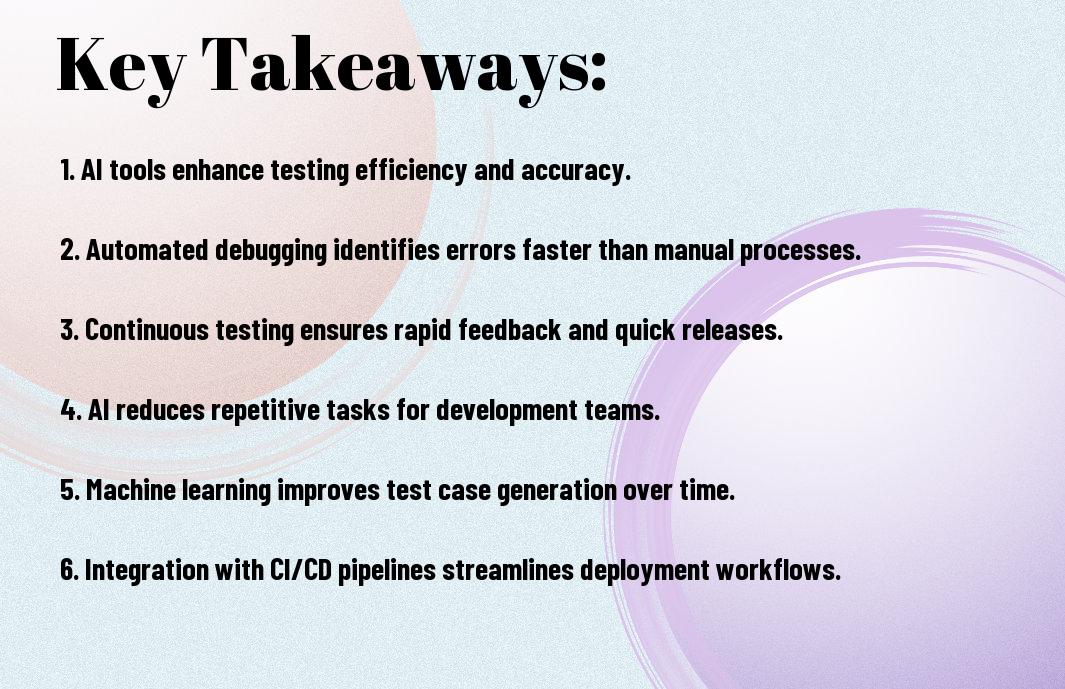
As you develop and deploy your apps, you need to ensure they are thoroughly tested and debugged to provide a seamless user experience. You can streamline this process by leveraging AI tools, which enable you to automate testing and debugging, saving time and effort. With AI-powered solutions, you can identify and fix issues quickly, improving your app’s overall quality and reliability, allowing you to focus on enhancing your app’s features and functionality.

Key Takeaways:

  • Automating app testing and debugging with AI tools can significantly reduce the time and effort required to identify and fix issues, allowing developers to focus on improving the overall quality and user experience of their applications.
  • AI-powered testing tools can analyze large amounts of data and identify patterns, enabling them to detect bugs and errors that may be difficult or impossible for human testers to find, and provide detailed reports to facilitate debugging.
  • AI-driven automation can also help optimize testing workflows, prioritize test cases, and predict potential issues, making the testing process more efficient and effective, and reducing the risk of releasing faulty applications.
  • Integrating AI tools into the development pipeline can facilitate continuous testing and debugging, enabling developers to identify and address issues early on, and ensuring that applications meet the required standards and are reliable, stable, and secure.
  • By leveraging AI-powered testing and debugging tools, developers can improve the overall speed and accuracy of their testing processes, and deliver high-quality applications that meet user expectations and drive business success.

The Evolution of App Testing

A significant transformation has taken place in the app testing landscape, and you are now witnessing a new era of automation and efficiency. Your testing processes are becoming more streamlined, and the results are more accurate than ever before.

Traditional Testing Methods

Against the backdrop of manual testing, you had to rely on human testers to identify bugs and errors, which was time-consuming and prone to mistakes. Your team had to spend countless hours testing your app, and even then, some issues might have gone undetected.

Rise of AI-Powered Solutions

Across the industry, you see a shift towards AI-powered testing tools that can simulate user interactions, identify bugs, and provide insights into your app’s performance. Your testing process is becoming faster, more efficient, and accurate, thanks to these innovative solutions.

With the advent of AI-powered testing, you can now automate your testing processes, saving time and resources. You can test your app on multiple platforms, devices, and operating systems, ensuring that it works seamlessly across different environments. Your testing team can focus on more complex issues, while AI tools handle the repetitive and mundane tasks, making your overall testing process more efficient and effective.

Core AI Testing Components

Assuming you have a basic understanding of AI testing, you’ll need to familiarize yourself with the core components that make up this technology. These components work together to enable efficient and effective testing of your app.

Machine Learning Algorithms

Albeit complex, machine learning algorithms are a key part of AI testing, allowing you to analyze data and make predictions about your app’s performance, enabling you to identify and fix issues quickly.

Pattern Recognition Systems

Typically, testing involves identifying patterns in your app’s behavior, and pattern recognition systems help you do just that, enabling you to detect anomalies and bugs in your app.

This technology uses historical data to identify patterns, allowing you to anticipate and prevent issues, making your app more stable and reliable, and you can use this information to improve your app’s overall quality and user experience.

Automated Testing Frameworks

Once again, you’ll find that automated testing frameworks are crucial for streamlining your app testing process, allowing you to focus on development and innovation, as they enable you to write and execute tests efficiently, saving your time and effort.

Code Analysis Tools

Around this time, you will be using code analysis tools to examine your code, identifying potential issues and vulnerabilities, and providing you with insights to improve your code quality, making your app more stable and reliable.

Performance Monitoring

The key to ensuring your app’s smooth operation is performance monitoring, which helps you track your app’s performance in real-time, detecting bottlenecks and areas for optimization, enabling you to make data-driven decisions to improve your app’s user experience.

Frameworks like Appium and Selenium provide you with the tools to monitor your app’s performance, allowing you to identify issues before they affect your users, and you can use this information to optimize your app’s performance, ensuring that it runs smoothly and efficiently, which is crucial for providing a good user experience, and you can use your knowledge of performance monitoring to improve your app’s overall quality.

AI-Driven Debugging

All your efforts to automate app testing will be in vain if you don’t have a robust debugging process in place. AI-driven debugging helps you identify and fix errors quickly, saving you time and resources. With AI, you can analyze vast amounts of data and detect patterns that may indicate potential issues.

Predictive Error Detection

Akin to having a crystal ball, predictive error detection uses machine learning algorithms to forecast potential errors before they occur, allowing you to take proactive measures to prevent them, thus ensuring your app’s stability and performance.

Root Cause Analysis

Against the backdrop of complex software systems, root cause analysis helps you pinpoint the underlying causes of errors, enabling you to address the problem at its core, rather than just treating its symptoms, which helps you improve your app’s overall quality.

In fact, when you use AI-driven root cause analysis, you can analyze large amounts of data from various sources, such as logs and user feedback, to identify the root cause of an issue, and then use that information to fix the problem and prevent similar issues from arising in the future, ultimately improving your app’s reliability and user experience.

Real-Time Testing Solutions

Your application’s success relies on efficient testing and debugging, and AI tools can help you achieve this by providing real-time solutions that streamline your development process.

Continuous Integration

Testing your code continuously is imperative, and with AI-powered tools, you can automate this process, ensuring that your application is stable and functional at all times, allowing you to identify and fix issues quickly.

Dynamic Test Generation

Behind every successful application is a robust testing strategy, and AI-driven dynamic test generation can help you create tests that cover all scenarios, giving you confidence in your application’s performance and reliability.

Dynamic test generation allows you to create a wide range of tests, from simple to complex, and you can use these tests to validate your application’s functionality, identifying bugs and issues before they affect your users, and you can refine your testing strategy as you gather more data and insights from your tests.

Security Testing with AI

For your app’s security, AI tools can identify vulnerabilities and detect threats, ensuring your users’ data is protected. You can use AI-powered tools to scan your app’s code, detect anomalies, and predict potential security breaches.

Vulnerability Assessment

Assessing your app’s security is made easier with AI-powered tools that can scan your code and identify potential vulnerabilities, allowing you to take proactive measures to secure your app and protect your users’ data.

Threat Detection

Between various security threats, AI tools can help you detect and respond to potential threats in real-time, giving you peace of mind and ensuring your app’s security.

And as you explore deeper into threat detection, you’ll find that AI tools can analyze patterns and anomalies in your app’s behavior, detecting potential threats before they become incidents, and providing you with detailed reports and recommendations to improve your app’s security posture, allowing you to take swift action to protect your users and your business.

Summing up

The use of AI tools for automating app testing and debugging can significantly improve your development process. You can identify and fix issues faster, saving your time and resources. By leveraging AI-powered tools, you can optimize your testing and debugging workflow, ensuring your app meets the highest quality standards. You will be able to deliver a better user experience, increasing your app’s success and your overall productivity.

FAQ

Q: What are the benefits of automating app testing and debugging with AI tools?

A: Automating app testing and debugging with AI tools offers several benefits, including increased efficiency, reduced testing time, and improved accuracy. AI-powered tools can quickly identify and report defects, allowing developers to focus on fixing issues rather than manually testing the app. Additionally, AI tools can test apps under various scenarios and conditions, ensuring that the app is stable and functions as expected. This helps to enhance the overall quality of the app and improve user experience.

Q: How do AI tools assist in app testing and debugging, and what types of tests can they perform?

A: AI tools assist in app testing and debugging by leveraging machine learning algorithms to analyze the app’s behavior, identify patterns, and detect anomalies. These tools can perform various types of tests, including functional testing, performance testing, and security testing. They can also conduct exploratory testing, where the AI tool interacts with the app to discover new features and functionalities. Furthermore, AI tools can generate test cases, create test scripts, and even execute tests, freeing up human testers to focus on more complex and high-level testing tasks.

Q: What are the challenges and limitations of using AI tools for automating app testing and debugging, and how can they be addressed?

A: While AI tools can significantly enhance app testing and debugging, there are challenges and limitations to consider. One of the main challenges is the need for high-quality training data to ensure that the AI tool can effectively learn and adapt to the app’s behavior. Additionally, AI tools may struggle with complex, nuanced, or context-dependent testing scenarios. To address these challenges, developers can provide the AI tool with comprehensive training data, fine-tune the tool’s algorithms, and use a combination of automated and manual testing approaches. By doing so, developers can maximize the benefits of AI-powered testing and debugging while minimizing its limitations.

Developing IoT Apps Using AI for Smarter Connectivity

As you explore Internet of Things (IoT) app development, you’ll discover the significant impact of Artificial Intelligence (AI) on creating smarter, more connected experiences. You can leverage AI to enhance your IoT projects, and to learn more about this synergy, you can visit AI and IoT Projects: How AI is Revolutionizing IoT to gain insights into the latest advancements, enabling you to develop innovative IoT apps with smarter connectivity capabilities.

Key Takeaways:

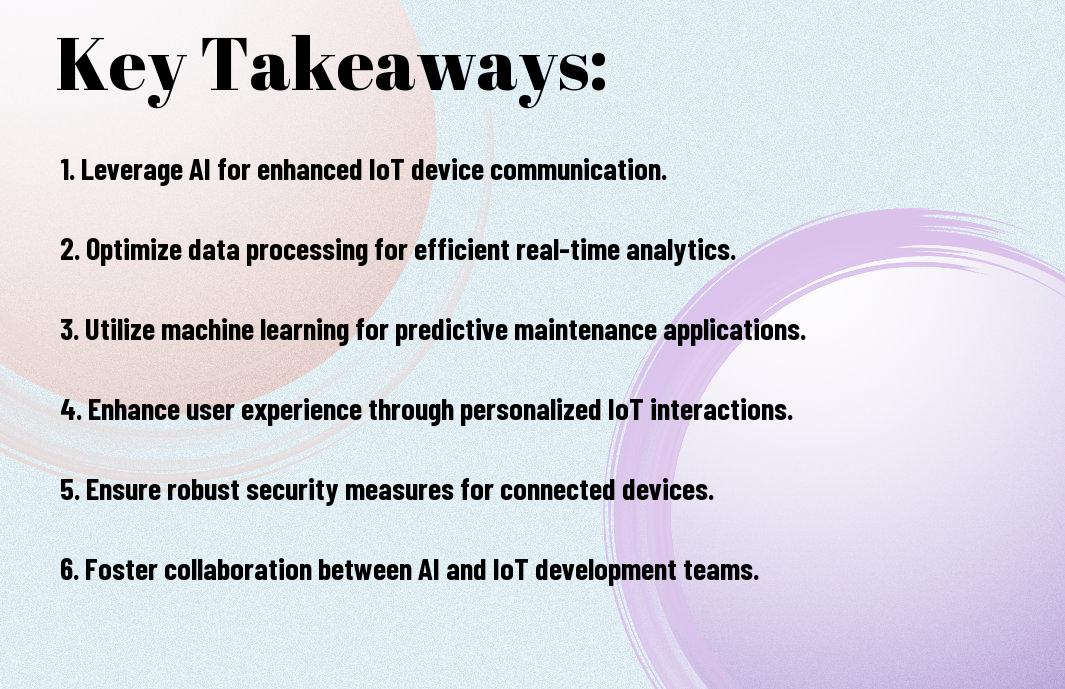
  • Developing IoT apps using AI enables devices to collect and analyze vast amounts of data, leading to more informed decision-making and improved operational efficiency in various industries such as healthcare, transportation, and manufacturing.
  • AI-powered IoT apps can enhance user experience by providing personalized services, predictive maintenance, and automated control, resulting in increased customer satisfaction and loyalty.
  • Integration of AI and IoT facilitates the development of smart systems that can learn from data, adapt to changing conditions, and optimize performance in real-time, leading to significant cost savings and reduced downtime.
  • Security is a major concern in IoT app development, and AI can help mitigate risks by detecting anomalies, identifying potential threats, and implementing robust security protocols to protect sensitive data and prevent unauthorized access.
  • As IoT and AI technologies continue to evolve, developers must stay up-to-date with the latest advancements and best practices to create innovative, scalable, and secure IoT apps that can drive business growth and improve people’s lives.

AI Integration in IoT Development

Your IoT app development process can greatly benefit from AI integration, enabling your devices to learn from data and make informed decisions, leading to smarter connectivity and enhanced user experience.

Machine Learning Models for IoT

Before stepping into the world of IoT development, you should consider implementing machine learning models that can analyze data from various sources, allowing your app to adapt and improve over time, providing you with valuable insights and better decision-making capabilities.

Neural Networks and Pattern Recognition

Against the backdrop of complex data patterns, you can leverage neural networks to identify and analyze them, enabling your IoT app to recognize trends and make predictions, thereby enhancing its overall performance and efficiency, and providing you with a competitive edge.

Learning about neural networks and pattern recognition can help you to develop more sophisticated IoT apps, as you will be able to create systems that can learn from experience, adapt to new data, and make accurate predictions, allowing you to unlock the full potential of your IoT devices and create innovative solutions that can transform your business and improve your life.

IoT Connectivity Architecture

While designing your IoT app, you need to consider the connectivity architecture that will enable seamless communication between devices and the cloud, allowing you to leverage AI for smarter connectivity and unlocking the full potential of your IoT solution.

Edge Computing Implementation

Following the initial setup, you’ll find that edge computing plays a significant role in reducing latency and improving real-time processing, enabling you to analyze data closer to its source and make informed decisions about your IoT app’s performance and functionality.

Cloud-AI Integration Points

Alongside edge computing, you’ll need to consider how your IoT app will integrate with cloud-based AI services, allowing you to process and analyze large amounts of data, and enabling you to make data-driven decisions about your IoT solution, and identifying areas where AI can enhance your app’s functionality.

Considering your IoT app’s cloud-AI integration points, you’ll want to focus on developing a robust and scalable architecture that can handle the vast amounts of data generated by your IoT devices, and leveraging AI and machine learning algorithms to uncover insights and patterns that can inform your business decisions and drive innovation, ultimately enabling you to create a more connected and intelligent IoT solution that meets your needs and exceeds your expectations.

Smart Data Processing

Once again, you will find that AI plays a significant role in processing the vast amounts of data generated by IoT devices, enabling you to make informed decisions and drive business growth.

Real-time Analytics Systems

Besides traditional data processing methods, you can leverage real-time analytics systems to analyze data as it’s generated, allowing you to respond quickly to changing conditions and make data-driven decisions.

Predictive Maintenance Algorithms

To take your IoT app to the next level, you can implement predictive maintenance algorithms that use machine learning to identify potential issues before they occur, reducing downtime and increasing overall efficiency.

Considering the benefits of predictive maintenance algorithms, you can use them to analyze data from sensors and devices to predict when maintenance is required, allowing you to schedule maintenance during periods of low usage, minimizing the impact on your operations and ensuring your IoT app continues to run smoothly and efficiently, which in turn helps you to improve your overall user experience and increase customer satisfaction.

Security Protocols

Keep your IoT app secure by implementing robust security protocols that protect user data and prevent unauthorized access, as you develop and deploy your application, you need to ensure the security of your users’ data.

AI-driven Threat Detection

With advanced threat detection systems, you can identify and mitigate potential security threats in real-time, using machine learning algorithms to analyze patterns and anomalies in your IoT app’s data, you can stay one step ahead of potential attackers.

Automated Security Responses

Before a security breach occurs, you can set up automated security responses that alert you to potential threats and take immediate action to prevent them, this can include notifications, backups, and software updates, all designed to keep your IoT app secure.

Responses to security threats are faster and more effective when automated, as you can quickly respond to potential breaches and minimize damage, you can also use AI to analyze the cause of the breach and update your security protocols to prevent similar threats in the future, ensuring your IoT app remains secure and trustworthy for your users.

Device Communication

For developing IoT apps using AI, you need to consider the communication between devices, which enables data exchange and facilitates smart connectivity, allowing you to create a seamless and efficient system.

Protocol Optimization

Between various protocols, you can choose the most suitable one for your IoT app, considering factors such as data rate, power consumption, and range, to ensure optimal performance and efficiency in your device communication.

Network Efficiency Enhancement

Above all, you should focus on enhancing network efficiency to minimize latency, reduce errors, and increase throughput, which will enable your IoT app to function smoothly and reliably, providing you with accurate and real-time data.

The network efficiency enhancement is a key aspect of your IoT app development, as it directly impacts the overall performance and user experience, and you can achieve this by optimizing network protocols, implementing data compression, and using advanced routing algorithms, which will help you to create a robust and scalable IoT system that meets your specific needs and requirements.

Performance Optimization

Now that you have developed your IoT app, it’s time to focus on performance optimization to ensure seamless user experience. You need to consider various factors that impact your app’s performance, including resource management and scalability solutions.

Resource Management

Any inefficiency in resource allocation can significantly impact your app’s performance, so you must carefully manage your resources to ensure optimal utilization. You can achieve this by monitoring your app’s resource usage and making adjustments as needed to prevent bottlenecks.

Scalability Solutions

Before you launch your app, you should consider scalability solutions to handle increased traffic and user demand. You can design your app to scale horizontally or vertically, depending on your specific needs, to ensure that it can handle growing demands without compromising performance.

The scalability solutions you choose will depend on your app’s specific requirements and your infrastructure. You should consider factors such as data storage, processing power, and network bandwidth when designing your scalability strategy, and you can use cloud services or containerization to make it easier to scale your app as needed, allowing you to focus on providing a great user experience.

Final Words

Considering all points, you now have a comprehensive understanding of developing IoT apps using AI for smarter connectivity. You can leverage this knowledge to create innovative solutions, enhancing your ability to connect devices and systems. As you initiate on your development journey, your expertise will grow, enabling you to build more sophisticated and intelligent applications that transform the way you interact with technology.

FAQ

Q: What are the benefits of integrating AI in IoT app development for smarter connectivity?

A: Integrating AI in IoT app development enables the creation of more intelligent and autonomous systems, allowing for real-time data analysis, predictive maintenance, and enhanced decision-making capabilities. This leads to improved efficiency, reduced costs, and enhanced user experience. AI-powered IoT apps can also learn from user behavior and adapt to changing conditions, making them more responsive and effective. Additionally, AI-driven analytics can help identify patterns and anomalies in IoT data, enabling proactive measures to prevent issues and optimize performance.

Q: How can AI be used to improve the security of IoT apps and prevent potential threats?

A: AI can be used to enhance the security of IoT apps by implementing advanced threat detection and prevention mechanisms. AI-powered algorithms can analyze IoT device behavior, identify potential vulnerabilities, and detect anomalies in real-time, enabling swift action to prevent security breaches. AI-driven security systems can also learn from past attacks and adapt to new threats, making them more effective in preventing future breaches. Furthermore, AI can help automate security updates and patches, ensuring that IoT devices and apps stay up-to-date with the latest security measures, reducing the risk of exploitation by hackers.

Q: What are the key challenges and considerations when developing IoT apps using AI for smarter connectivity, and how can they be addressed?

A: When developing IoT apps using AI for smarter connectivity, key challenges include ensuring data quality and integrity, addressing potential biases in AI algorithms, and guaranteeing seamless integration with various IoT devices and systems. To address these challenges, developers should prioritize data validation and verification, implement robust testing and validation protocols, and ensure that AI algorithms are transparent, explainable, and fair. Additionally, developers should consider scalability, interoperability, and user experience when designing AI-powered IoT apps, and ensure that they comply with relevant regulations and standards, such as data protection and privacy laws.

Building Augmented Reality Apps Powered by Artificial Intelligence

As you probe into the world of innovative technologies, you’ll discover the potential of combining augmented reality (AR) and artificial intelligence (AI) to create immersive experiences. You can leverage AI-driven AR apps to enhance your business or personal projects, offering interactive and engaging solutions. Your understanding of these technologies will enable you to develop cutting-edge applications, transforming the way you interact with digital information and revolutionizing your approach to app development.

Key Takeaways:

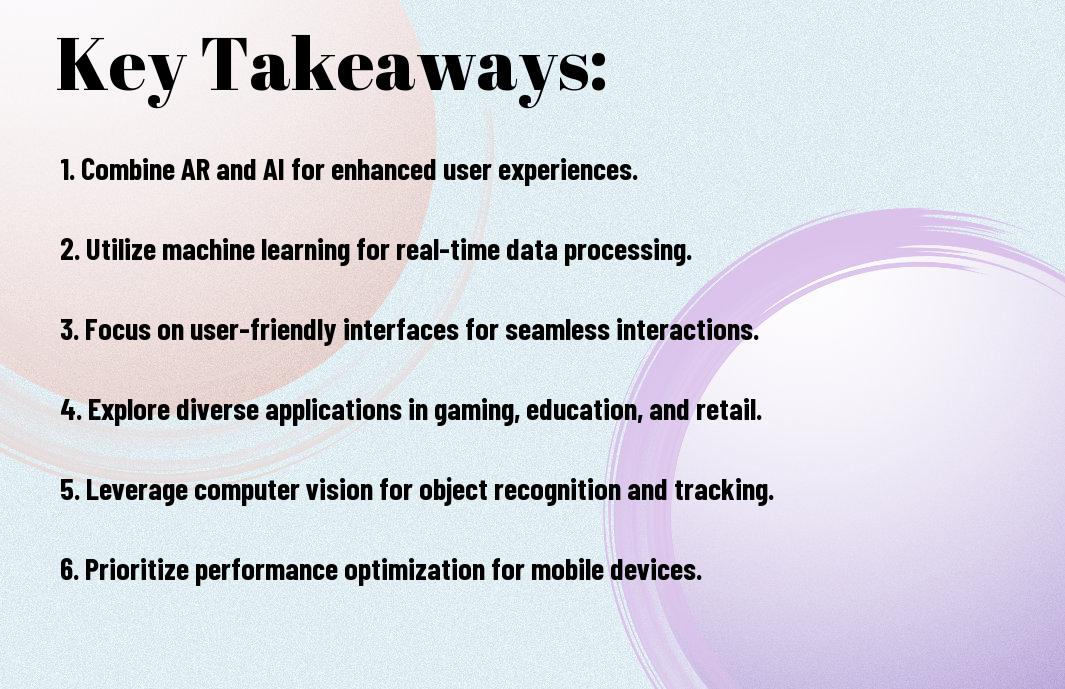
  • Combining Augmented Reality (AR) and Artificial Intelligence (AI) enables the creation of immersive and interactive experiences that can revolutionize various industries such as education, healthcare, and entertainment.
  • AR-powered AI apps can analyze user interactions and adapt to their behavior, providing personalized experiences and enhancing user engagement.
  • AI-driven computer vision can be used to detect and track objects, allowing for more precise and accurate AR experiences, such as object recognition and tracking.
  • Building AR apps powered by AI requires a deep understanding of machine learning algorithms, computer vision, and software development, making it vital to have a skilled team with expertise in these areas.
  • The integration of AR and AI can also raise concerns about data privacy and security, making it vital to implement robust security measures to protect user data and ensure a safe and trustworthy experience.

    Foundations of AR-AI Integration

    A strong understanding of the foundations of AR-AI integration is imperative for building effective augmented reality apps. You will need to consider how artificial intelligence can enhance your app’s functionality and user experience. As you explore into the world of AR-AI integration, you will discover the various technologies and tools available to support your development process.

    Core AI Technologies for AR

    Beneath the surface of AR-AI integration lies a range of core AI technologies that enable the creation of immersive experiences. You will need to explore technologies such as machine learning, computer vision, and natural language processing to determine which ones are best suited to your app’s requirements.

    Hardware Requirements and Specifications

    Harmonizing your app’s hardware and software components is vital for seamless AR-AI integration. You should consider the processing power, memory, and display requirements of your app to ensure optimal performance on various devices.

    Also, as you consider the hardware requirements and specifications for your AR app, you will need to think about the trade-offs between device capabilities, power consumption, and cost. You should evaluate your options carefully to ensure that your app’s hardware and software components work together in harmony, providing your users with a compelling and engaging experience.

    Computer Vision and Object Recognition

    Even as you investigate into the world of augmented reality, you’ll find that computer vision and object recognition are imperative components, which you can learn more about in Augmented Reality App Development: The Complete Guide. This technology enables your apps to interpret and understand visual data from the environment.

    Real-time Image Processing

    Object detection is a key aspect of computer vision, allowing your app to identify and track objects in real-time, enabling seamless interactions and experiences.

    Spatial Mapping and Environment Analysis

    Spatial awareness is vital for creating immersive AR experiences, as it enables your app to understand the user’s surroundings and overlay virtual objects accordingly.

    Consequently, as you develop your AR app, you’ll need to consider how spatial mapping and environment analysis will impact your user’s experience, taking into account factors such as lighting, texture, and geometry to create a realistic and engaging interaction. You’ll need to ensure that your app can accurately map the environment and analyze the spatial relationships between objects to provide a seamless and intuitive experience.

    Machine Learning Models in AR

    Keep in mind that machine learning models are the backbone of augmented reality apps, enabling them to understand and interact with their environment. You will use these models to develop intelligent AR experiences that can learn and adapt to user behavior.

    Training Data Requirements

    Mechanically, you will need to collect and preprocess large amounts of data to train your machine learning models, ensuring they can accurately recognize patterns and make predictions in your AR app.

    Model Optimization for Mobile Devices

    Mechanistically, you will need to optimize your machine learning models for mobile devices, taking into account factors such as computational power, memory, and battery life to ensure seamless AR experiences.

    Considering the limited resources of mobile devices, you will need to carefully evaluate and optimize your model’s architecture, using techniques such as model pruning, quantization, and knowledge distillation to reduce computational complexity and memory usage, while maintaining your model’s accuracy and performance in your AR app.

    Natural Language Processing in AR

    Your augmented reality (AR) app can greatly benefit from natural language processing (NLP), enabling users to interact with virtual objects using voice commands or text input, making the experience more intuitive and engaging.

    Voice Commands and User Interaction

    After implementing NLP, you can use voice commands to control your AR app, allowing users to give instructions or ask questions, and the app will respond accordingly, creating a more immersive experience.

    Multilingual Support Systems

    Processing multiple languages can be a challenge, but with NLP, you can develop an AR app that supports various languages, making it accessible to a broader audience and enhancing user experience.

    Natural language understanding is key to creating a seamless multilingual support system, allowing your AR app to comprehend and respond to user input in different languages, and you can achieve this by integrating machine learning algorithms and NLP techniques into your app’s development.

    Development Frameworks and Tools

    To build augmented reality apps powered by artificial intelligence, you will need to choose the right development frameworks and tools. You can select from a variety of options, including ARKit, ARCore, and Unity, to create immersive and interactive experiences.

    Popular AR-AI Development Platforms

    Around the globe, developers like you are using platforms like Vuforia, Wikitude, and EasyAR to create innovative AR-AI apps. These platforms provide you with the necessary tools and resources to build engaging and interactive experiences.

    SDK Integration Methods

    For seamless integration of AR-AI functionality into your app, you will need to choose the right SDK integration method. You can use native SDKs, cross-platform SDKs, or third-party libraries to integrate AR-AI features into your app, depending on your development needs.

    At this stage, you will need to consider factors such as platform compatibility, development time, and cost when selecting an SDK integration method. You should evaluate your options carefully to ensure that you choose the method that best fits your project requirements and helps you achieve your goals.

    Performance Optimization

    After developing your augmented reality app, you’ll want to ensure it runs smoothly, which is where performance optimization comes in. You can learn more about Integrating AR/VR with AI: Enhancing Interactivity and User Experience to improve your app’s overall performance.

    Resource Management

    One of the key aspects of performance optimization is managing your app’s resources efficiently, allowing you to allocate processing power where it’s needed most, ensuring your app runs seamlessly on various devices.

    Latency Reduction Techniques

    Between optimizing your code and leveraging hardware capabilities, you can significantly reduce latency in your app, providing a better user experience, and you can achieve this by implementing various techniques tailored to your app’s specific needs.

    Reduction of latency is vital for augmented reality apps, as it directly impacts the user experience, and you can achieve this by using techniques such as caching, content delivery networks, and optimizing your app’s rendering pipeline, allowing you to provide a seamless and immersive experience for your users.

    To wrap up

    As a reminder, you now have the foundation to build augmented reality apps powered by artificial intelligence. You can leverage your newfound knowledge to create immersive experiences, enhancing your users’ interactions. Your ability to integrate AI and AR will set your apps apart, driving engagement and innovation. You are equipped to push the boundaries of what is possible in this exciting field, and your creations will shape the future of interactive technology.

    FAQ

    Q: What are the key components required to build augmented reality (AR) apps powered by artificial intelligence (AI)?

    A: To build AR apps powered by AI, several key components are necessary. First, a robust AR platform such as ARKit or ARCore is needed to handle the augmented reality functionality. Additionally, a deep learning framework like TensorFlow or PyTorch is required to integrate AI capabilities. A device with a high-quality camera and sufficient processing power is also imperative. Furthermore, a user-friendly interface and experience design are vital to ensure seamless interaction between the user and the virtual objects. Lastly, a significant amount of data is needed to train the AI models, which can be obtained through various sources such as datasets or real-time user input.

    Q: How can AI enhance the user experience in augmented reality apps?

    A: AI can significantly enhance the user experience in AR apps by enabling more accurate and dynamic object recognition, tracking, and interaction. For instance, AI-powered computer vision can detect and identify real-world objects, allowing for more precise placement and manipulation of virtual objects. AI-driven machine learning algorithms can also learn user behavior and preferences, enabling personalized experiences and recommendations. Moreover, AI-powered natural language processing can facilitate voice commands and voice interactions, making the app more intuitive and user-friendly. Overall, the integration of AI can create a more immersive, interactive, and engaging experience for users.

    Q: What are some potential applications and industries that can benefit from building AR apps powered by AI?

    A: The potential applications and industries that can benefit from building AR apps powered by AI are vast and diverse. For example, in the field of education, AR apps can create interactive and immersive learning experiences, making complex concepts more engaging and accessible. In the retail industry, AR apps can enable customers to try out virtual products, enhancing the shopping experience and reducing returns. In healthcare, AR apps can assist medical professionals in training, diagnosis, and treatment, improving patient outcomes. Additionally, AR apps powered by AI can also be applied in fields such as gaming, tourism, and architecture, among others, to create innovative and interactive experiences that blur the line between the physical and digital worlds.

Skip to content