You want to capture your audience’s attention and drive sales through effective promotional materials. Your PDFs can be a powerful tool in achieving this goal. By designing eye-catching PDFs, you can increase engagement and motivate your readers to take action. You will learn how to create visually appealing and informative PDFs that showcase your products and services, helping you to boost sales and grow your business.
Key Takeaways:
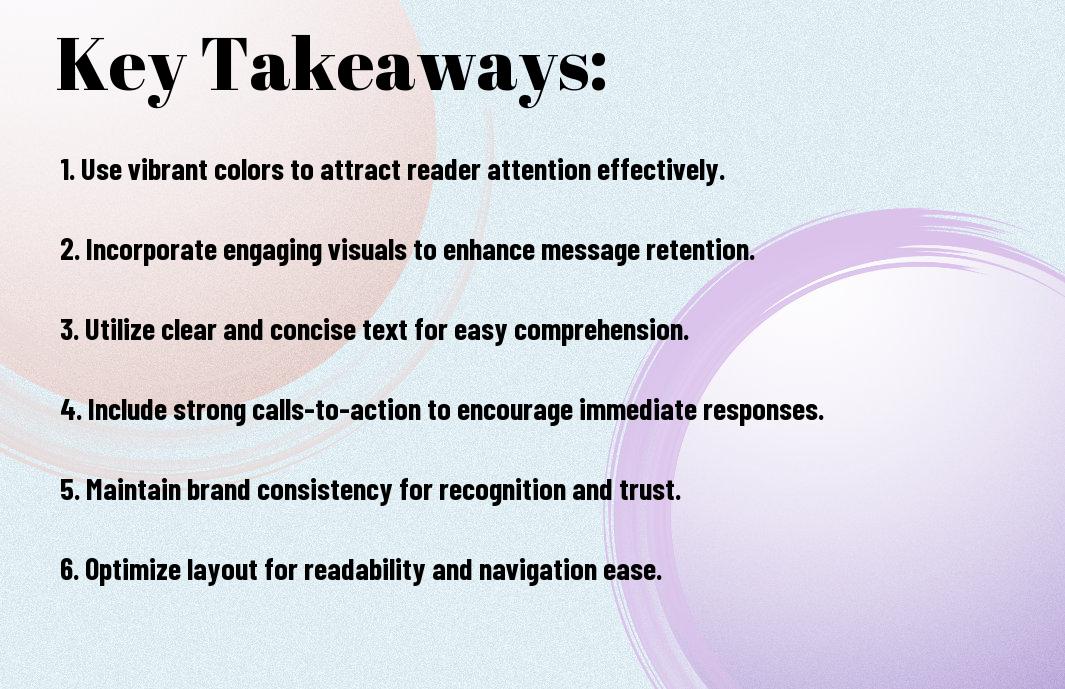
- Designing eye-catching PDFs for sales promotion requires a strategic approach to maximize engagement, including the use of high-quality visuals, clear typography, and a well-structured layout to guide the reader’s attention.
- Effective use of color, imagery, and white space can help to create a visually appealing PDF that captures the reader’s interest and communicates the sales message in a concise and compelling way.
- Optimizing PDFs for mobile devices and ensuring they are easily accessible and navigable is also imperative to reach a wider audience and increase the chances of successful sales promotion.

Visual Hierarchy
A well-designed visual hierarchy is crucial for creating eye-catching PDFs that capture your audience’s attention and guide them through your sales promotion. You can achieve this by using size, color, and placement to create a clear order of importance, drawing your readers’ eyes to the most significant elements first.
Layout Fundamentals
For effective PDF design, you need to balance text and images, using white space to create a clean and uncluttered layout that makes your content easy to scan and understand, allowing you to communicate your message clearly and efficiently to your target audience.
Color Psychology in Sales
Colored elements can greatly impact your PDF’s visual appeal, and you can use different hues to evoke emotions and influence your readers’ perceptions, making your sales promotion more engaging and persuasive, as you strategically select colors that resonate with your brand and message.
Also, as you research deeper into color psychology, you’ll discover how different colors can stimulate various emotions and reactions, enabling you to tailor your design to your target audience’s preferences and increase the effectiveness of your sales promotion, ultimately driving more conversions and boosting your revenue, as you apply your knowledge of color psychology to create a compelling and persuasive visual narrative.
Content Flow
Assuming you have a clear message, your next step is to organize it in a logical and visually appealing way, you can check out 11 Impressive Sales One-Pager Templates to Educate & Engage for inspiration, to create an effective content flow that guides your audience through your PDF.
Typography Selection
Across various design elements, you’ll need to choose typography that enhances your message, making it easy for your audience to follow and understand your sales promotion, selecting fonts that align with your brand and resonate with your target audience.
White Space Management
Management of white space is necessary to avoid clutter and make your content more readable, you should balance text and images to create a clear visual hierarchy, drawing your audience’s attention to key points in your sales promotion.
Hence, as you work on managing white space, consider the overall aesthetic you want to achieve, and use it to create a sense of harmony and balance, making your PDF easy to navigate and understand, which will help you to effectively communicate your sales message to your audience.
Graphic Elements
To create visually appealing PDFs for sales promotion, you need to incorporate graphic elements that capture your audience’s attention. You can use a combination of images, icons, and graphics to break up text and make your content more engaging.
Image Placement
Any well-placed image can elevate the design of your PDF and draw your readers’ eyes to specific sections. You should place images strategically to create a balance between text and visuals, making your content more scannable and easier to understand.
Icon Integration
On the other hand, icons can add a touch of personality to your PDF and help illustrate complex concepts. You can use icons to highlight key points, create visual hierarchies, and guide your readers through the content.
Also, when integrating icons into your design, you should consider your brand’s overall visual identity and ensure that the icons align with your brand’s style and tone. You can use icons to create a consistent visual language throughout your PDF, making it more recognizable and memorable to your audience.
Call-to-Action Design
Unlike other design elements, your call-to-action (CTA) should be prominent and attention-grabbing, encouraging your audience to take the desired action. You want your CTA to stand out and prompt your readers to engage with your sales promotion.
Button Positioning
Deliberately placing your CTA button in a visible location is key to maximizing engagement, you should position it in an area where your readers will naturally look, such as the top or bottom of the page.
Persuasive Elements
Following the placement of your CTA, you can enhance its effectiveness by adding persuasive elements, such as images, icons, or colors that resonate with your brand and message, making your CTA more compelling and increasing the likelihood that you will convert your readers into customers.
At this stage, you have the opportunity to refine your CTA by experimenting with different persuasive elements, you can test various combinations to determine what works best for your specific sales promotion, and make data-driven decisions to optimize your design and boost engagement, ultimately driving more sales and growing your business.
Mobile Optimization
After designing your PDF, you’ll want to ensure it’s optimized for mobile devices. You can learn more about effective design strategies in the Boosting Best Practices Guide, which provides valuable insights to enhance your sales promotion materials.
Responsive Design
Against the backdrop of varying screen sizes, you’ll need to create a responsive design that adapts seamlessly to different devices, allowing your audience to easily navigate and engage with your content.
Screen Adaptability
Across different mobile devices, your PDF’s layout and visuals should remain intact, ensuring a consistent user experience that supports your sales promotion goals.
In fact, when you prioritize screen adaptability, you enable your audience to access and interact with your PDF effortlessly, regardless of the device they use, which can lead to increased engagement and ultimately, drive more sales.
Brand Consistency
Many companies underestimate the importance of maintaining a consistent visual identity in their sales promotional materials, including PDFs. You can ensure that your brand is recognizable and trustworthy by using consistent design elements throughout your PDFs.
Style Guidelines
The tone and language used in your PDFs should align with your brand’s overall voice and style, creating a cohesive and professional image that resonates with your target audience, helping you to build a strong connection with your customers.
Corporate Identity Elements
Along with your brand’s style guidelines, incorporating corporate identity elements such as logos, color schemes, and typography will help to reinforce your brand’s image and make your PDFs instantly recognizable to your customers.
Guidelines for using corporate identity elements in your PDFs should be clearly outlined in your brand’s style guide, ensuring that you use the correct versions of your logo, color palette, and typography, and that these elements are used consistently throughout all your sales promotional materials, including PDFs, to maintain a strong and recognizable brand image that your customers will trust and respond to.
Conclusion
With these considerations, you can create eye-catching PDFs that maximize engagement and boost your sales promotion. You will be able to design effective PDFs that capture your audience’s attention, conveying your message in a clear and concise manner. By applying these strategies, you will enhance your brand’s visibility and ultimately drive more sales, making your marketing efforts more successful and increasing your return on investment.
FAQ
Q: What are the key elements to consider when designing eye-catching PDFs for sales promotion to maximize engagement?
A: When designing PDFs for sales promotion, it’s crucial to consider several key elements to maximize engagement. These include using high-quality images, selecting a clear and easy-to-read font, and incorporating a consistent color scheme that aligns with your brand. Additionally, the layout should be well-organized, making it easy for readers to navigate and find the information they need. Finally, incorporating interactive elements such as links, buttons, and fillable forms can help to increase engagement and encourage readers to take action.
Q: How can I make my PDFs more interactive and engaging for potential customers?
A: To make your PDFs more interactive and engaging, consider incorporating multimedia elements such as videos, animations, and audio files. You can also use hyperlinks to connect readers to your website, social media, or other relevant online content. Furthermore, using tools such as polls, quizzes, and surveys can help to encourage reader participation and increase engagement. Finally, consider using digital signatures and fillable forms to make it easy for readers to provide feedback or take action.
Q: What role does branding play in designing effective PDFs for sales promotion?
A: Branding plays a significant role in designing effective PDFs for sales promotion. Consistent branding helps to establish trust and credibility with potential customers, and can help to differentiate your business from competitors. When designing your PDF, ensure that your branding is consistent throughout, including your logo, color scheme, and typography. This will help to create a professional and cohesive look that aligns with your overall marketing strategy.
Q: How can I optimize my PDFs for mobile devices to ensure maximum engagement?
A: To optimize your PDFs for mobile devices, consider using a responsive design that adapts to different screen sizes and devices. This will ensure that your content is easily readable and navigable, regardless of whether readers are viewing it on a desktop, tablet, or smartphone. Additionally, keep your PDFs concise and to the point, avoiding large files that may be slow to download on mobile devices. Finally, use clear and easy-to-click links and buttons to make it easy for readers to take action.
Q: What metrics should I use to measure the effectiveness of my PDFs in terms of engagement and sales promotion?
A: To measure the effectiveness of your PDFs in terms of engagement and sales promotion, consider tracking metrics such as open rates, click-through rates, and conversion rates. You can also use analytics tools to track how readers are interacting with your PDF, including which pages they are viewing, how long they are spending on each page, and which links they are clicking on. Finally, consider using A/B testing to compare the effectiveness of different design elements and messaging, and make data-driven decisions to optimize your PDFs for maximum engagement and ROI.