Voice

Integrating Voice Recognition AI into Mobile Applications

As you consider enhancing your mobile application, you’re likely exploring innovative features to boost user experience. You’re probably aware that voice recognition AI is revolutionizing the way users interact with devices. By integrating this technology into your mobile application, you can enable users to perform tasks more efficiently, using voice commands to navigate and access information. You can leverage voice recognition AI to streamline your app’s functionality and stay ahead of the competition.

Key Takeaways:

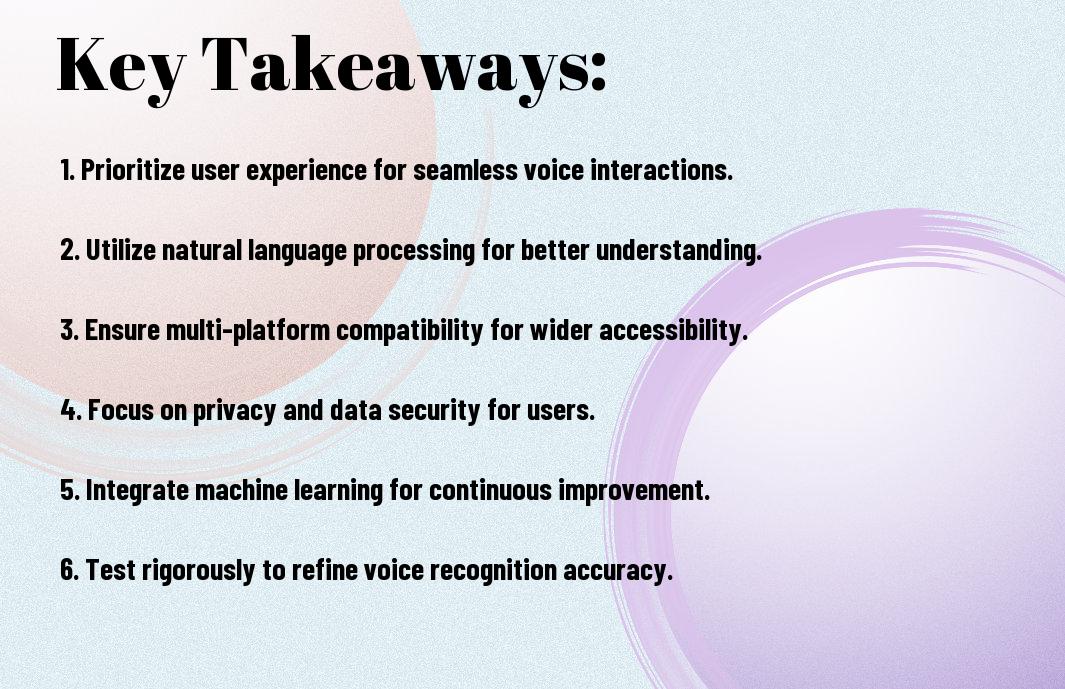
  • Enhanced User Experience: Integrating voice recognition AI into mobile applications provides an intuitive and hands-free experience, allowing users to interact with the app using voice commands, which can be particularly useful for tasks that require hands-on attention.
  • Increased Accessibility: Voice recognition AI can help people with disabilities, such as visual or motor impairments, to use mobile applications more easily, promoting inclusivity and equality in the digital landscape.
  • Improved Efficiency: Voice recognition AI can automate tasks, such as data entry, search, and navigation, making it faster and more efficient for users to complete tasks within the app, and reducing the likelihood of errors.
  • Personalization and Contextual Understanding: Advanced voice recognition AI can understand the context and nuances of voice commands, enabling mobile applications to provide personalized responses, recommendations, and services that cater to individual user preferences and behaviors.
  • Security and Authentication: Voice recognition AI can be used for secure authentication and verification, providing an additional layer of protection against unauthorized access, and reducing the risk of data breaches and cyber attacks.
    Voice Recognition AI Architecture

    While designing your mobile application, you can explore the Voice Recognition AI architecture, which enables you to integrate voice-based interfaces. You can learn more about Voice Agent Configuration for Mobile Apps | Restackio to understand the technical aspects.

    Core Components

    On the basis of your requirements, you will need to identify the core components of Voice Recognition AI, including speech recognition, natural language processing, and text-to-speech synthesis, to develop an efficient system.

    Processing Pipeline

    Beside the core components, you should also consider the processing pipeline, which involves audio input, signal processing, and intent identification to enable seamless voice interactions in your mobile application.

    Architecture of the processing pipeline is designed to handle complex voice commands, allowing you to develop a sophisticated voice recognition system that can accurately interpret your users’ voice inputs and respond accordingly, making your mobile application more user-friendly and interactive.

    Implementation Framework

    Clearly, a well-structured framework is vital for integrating voice recognition AI into your mobile application, enabling you to streamline the development process and ensure seamless functionality.

    API Integration

    Integrating voice recognition APIs into your application allows you to leverage the capabilities of AI-powered speech recognition, enabling you to enhance your app’s user experience and provide more intuitive interactions for your users.

    System Requirements

    With the right system requirements in place, you can ensure that your voice recognition AI integration runs smoothly and efficiently, providing optimal performance and minimizing potential errors or glitches.

    Requirements for your system will depend on the specific needs of your application, but you should consider factors such as processing power, memory, and network connectivity to ensure that your voice recognition AI can function effectively, allowing you to provide the best possible experience for your users.

    User Interface Design

    Now that you’re integrating voice recognition AI into your mobile application, it’s important to consider the user interface design. You’ll want to create an intuitive and seamless experience for your users, allowing them to interact with your app using voice commands.

    Voice Command Patterns

    Besides the visual aspects, you’ll need to design voice command patterns that are easy for users to understand and use. You should consider the tone, language, and syntax of your voice commands to ensure they are consistent throughout your app.

    Response Mechanisms

    Along with designing voice command patterns, you’ll also need to develop response mechanisms that provide feedback to your users. You should consider how your app will respond to voice commands, including the type of feedback and the timing of the response.

    Mechanisms such as text-to-speech, visual cues, and haptic feedback can be used to provide feedback to your users. You can use these mechanisms to let your users know that their voice command has been received and is being processed, helping to create a more interactive and engaging experience.

    Performance Optimization

    Unlike other features, optimizing voice recognition AI in your mobile application requires careful consideration of various factors to ensure seamless user experience. You need to focus on latency management and resource allocation to achieve optimal performance.

    Latency Management

    Beneath the surface of a successful voice recognition system lies effective latency management, which enables your application to respond quickly to user inputs, allowing you to provide a more interactive experience.

    Resource Allocation

    Performing efficient resource allocation is vital for your application’s performance, as you need to balance the computational resources required for voice recognition with other system processes to prevent overload.

    Also, when allocating resources, you should consider the trade-off between accuracy and speed, as more accurate voice recognition models often require more computational power, and you need to find the right balance to meet your application’s specific needs.

    Security Measures

    Not all voice recognition AI systems are created equal, and you must consider the security implications of integrating such technology into your mobile application.

    Data Protection

    Any sensitive information that your application collects and stores must be protected from unauthorized access, and you should implement robust data protection measures to safeguard your users’ personal data.

    Authentication Protocols

    With the rise of voice recognition AI, you need to ensure that your application’s authentication protocols are secure and reliable, using techniques such as multi-factor authentication to verify user identities.

    In addition, you should consider implementing advanced authentication protocols, such as behavioral biometrics, to provide an extra layer of security and protect your users from potential voice spoofing attacks, ensuring that your application is secure and trustworthy.

    Testing Methodologies

    After developing your voice recognition AI integrated mobile application, you need to test it thoroughly to ensure its effectiveness and efficiency. You will have to consider various testing methodologies to validate your application’s performance and identify areas for improvement.

    Accuracy Assessment

    With a focus on evaluating your application’s voice recognition capabilities, you will assess its accuracy in understanding and responding to voice commands, and identify potential errors or inconsistencies that may affect its overall performance.

    User Experience Validation

    Around the time you start testing your application, you will also need to validate its user experience, ensuring that it is intuitive, user-friendly, and provides a seamless interaction experience for your users.

    Understanding how your users interact with your application is key to validating its user experience. You will need to analyze user behavior, gather feedback, and make necessary adjustments to improve the overall user experience, ensuring that your application meets your users’ needs and expectations, and provides a competitive edge in the market, helping you to refine your application and make data-driven decisions to drive its success.

    Summing up

    Drawing together the various aspects of integrating voice recognition AI into mobile applications, you can now enhance your app’s user experience. By incorporating voice assistants, you can increase user engagement and accessibility. For more information on this topic, visit Voice Recognition and Mobile Apps: Integrating Siri and Google Assistant to learn how to improve your app’s functionality and stay ahead in the market with your innovative approach.

    FAQ

    Q: What are the benefits of integrating voice recognition AI into mobile applications?

    A: Integrating voice recognition AI into mobile applications provides several benefits, including enhanced user experience, increased accessibility, and improved efficiency. With voice recognition AI, users can interact with the application using voice commands, which can be especially helpful for individuals with disabilities or those who prefer hands-free interaction. Additionally, voice recognition AI can help to reduce errors and improve the overall accuracy of user input, leading to a more seamless and intuitive user experience.

    Q: How does voice recognition AI work in mobile applications, and what are the technical requirements for implementation?

    A: Voice recognition AI in mobile applications typically works by using natural language processing (NLP) and machine learning algorithms to recognize and interpret spoken words and phrases. The technical requirements for implementation include a reliable internet connection, a compatible device with a microphone, and a software development kit (SDK) or application programming interface (API) that supports voice recognition. Developers must also ensure that the application is optimized for voice recognition, with clear and concise voice commands, and a user interface that is designed to accommodate voice input.

    Q: What are the potential security and privacy concerns associated with integrating voice recognition AI into mobile applications, and how can they be addressed?

    A: The integration of voice recognition AI into mobile applications raises several security and privacy concerns, including the potential for unauthorized access to sensitive user data, eavesdropping, and data breaches. To address these concerns, developers can implement robust security measures, such as encryption, secure authentication protocols, and secure data storage. Additionally, developers should ensure that users are informed about the use of voice recognition AI and provide transparent opt-out options for users who do not want to use voice recognition features. Regular security audits and testing can also help to identify and mitigate potential security vulnerabilities.

Building Smart Assistant Apps with Voice AI Integration

As you consider developing innovative applications, you’re likely exploring the potential of voice AI integration. You can enhance your app’s user experience by incorporating smart assistant capabilities. To get started, you’ll want to learn about the process of creating such apps. For a comprehensive guide, you can check out How to Develop a Voice Assistant App with AI and ML for 2024, which outlines the necessary steps and technologies involved in building a successful voice assistant app.

Key Takeaways:

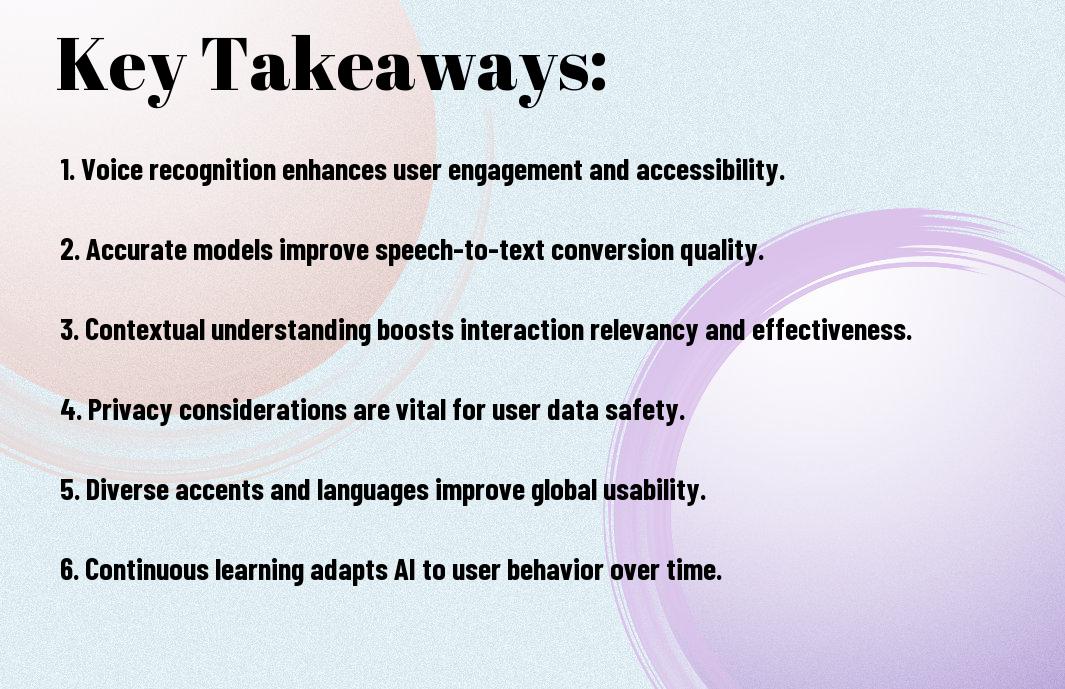
  • Developing smart assistant apps with voice AI integration enhances user experience by providing hands-free control and voice-activated commands, making it easier for users to interact with devices and access information.
  • Voice AI integration enables businesses to create personalized experiences for their customers, offering tailored responses and recommendations based on individual preferences and behaviors.
  • Building smart assistant apps requires a deep understanding of natural language processing (NLP) and machine learning algorithms to ensure accurate speech recognition and intent identification.
  • Effective voice AI integration involves designing intuitive voice user interfaces (VUIs) that simplify complex tasks and provide clear, concise feedback to users, reducing frustration and improving overall satisfaction.
  • As voice AI technology continues to evolve, developers must prioritize security and data protection to ensure the safe handling of sensitive user information and maintain trust in smart assistant apps.

Voice AI Fundamentals

To build effective smart assistant apps, you need to understand the basics of voice AI integration, which involves combining speech recognition, natural language processing, and machine learning to create a seamless user experience.

Speech Recognition Architecture

The foundation of voice AI lies in speech recognition, which enables your app to transcribe spoken words into text, allowing you to process and respond to user requests accurately.

Natural Language Processing Components

Against the backdrop of speech recognition, natural language processing components play a vital role in interpreting the meaning and context of user input, enabling your app to provide relevant and personalized responses.

Another key aspect of natural language processing components is their ability to analyze user intent, sentiment, and preferences, which you can leverage to create a more engaging and intuitive user experience, tailored to your users’ specific needs and behaviors.

Smart Assistant Core Elements

Now that you’re building a smart assistant app, you need to understand its core elements, which enable your app to understand and respond to user inputs, making it a powerful tool for your users.

Intent Recognition Systems

Beneath the surface of your smart assistant app, intent recognition systems play a significant role in identifying the purpose behind your users’ requests, allowing you to provide relevant responses and enhance their experience.

Response Generation Framework

The foundation of a smart assistant app lies in its response generation framework, which you can use to create human-like responses to your users’ queries, making interactions more engaging and personalized.

Generation of responses is a complex process that involves understanding the context, intent, and preferences of your users, and you can achieve this by integrating machine learning algorithms and natural language processing techniques into your response generation framework, enabling your smart assistant app to provide accurate and helpful responses.

Development Environment Setup

Not having the right development environment can hinder your progress in building smart assistant apps with voice AI integration. You will need to set up your environment with the necessary tools and configurations to get started.

Required Tools and SDKs

The tools and SDKs you choose will depend on the specific requirements of your project, and you will need to select the ones that best fit your needs, ensuring they are compatible with your development environment.

Platform Configuration

After setting up your development environment, you will need to configure your platform to work seamlessly with voice AI integration, ensuring that all components are properly connected and functioning as expected, allowing you to focus on building your app.

Further, when configuring your platform, you will need to consider factors such as speech recognition, natural language processing, and machine learning, as these will be crucial in enabling your smart assistant app to understand and respond to voice commands, and you will need to fine-tune these settings to optimize your app’s performance and user experience.

Voice Integration Implementation

Despite the complexity of voice AI integration, you can achieve seamless implementation with the right approach. You’ll need to consider various factors, including speech recognition, natural language processing, and text-to-speech synthesis, to create a robust voice integration system.

API Integration Methods

Beneath the surface of voice integration lies a range of API integration methods, which you can leverage to connect your app with voice AI services, enabling you to build a sophisticated smart assistant app with voice capabilities.

Voice Command Mapping

Alongside the technical aspects, you’ll need to define voice command mappings that allow users to interact with your app using natural language, enabling you to create an intuitive user experience.

Plus, as you research deeper into voice command mapping, you’ll discover that it involves creating a comprehensive set of voice commands that correspond to specific actions within your app, allowing you to tailor the experience to your users’ needs and preferences, and enabling you to refine your app’s voice integration to provide a more personalized and engaging experience for your users.

User Experience Design

All aspects of your smart assistant app’s user experience design should be carefully considered to ensure a seamless interaction between the user and the voice AI. You need to think about how your app will respond to user queries, and how it will handle errors or unclear inputs.

Conversation Flow Design

Across various user interactions, you should design a conversation flow that is natural and intuitive, allowing users to easily navigate through your app and access the information they need. You can achieve this by using clear and concise language, and by providing users with relevant feedback and guidance throughout the conversation.

Error Handling Protocols

Protocols for handling errors and exceptions should be established to ensure that your app can recover from unexpected user inputs or technical issues. You should consider implementing features such as retry mechanisms, error messages, and fallback options to minimize the impact of errors on the user experience.

In addition, you should also consider implementing analytics and logging mechanisms to track and analyze errors, allowing you to identify and fix issues quickly, and improve your app’s overall performance and reliability, which will help you to provide a better experience for your users.

Performance Optimization

Once again, you’ll need to focus on refining your smart assistant app’s performance to ensure a seamless user experience, and this involves fine-tuning various aspects of the voice AI integration.

Response Time Enhancement

Optimizing your app’s response time is vital, and you can achieve this by streamlining the communication between your app and the voice AI server, thereby reducing latency and enabling faster responses to user queries.

Accuracy Improvement Techniques

Along with response time, you’ll also want to implement techniques to improve the accuracy of your voice AI, such as using high-quality audio inputs and advanced speech recognition algorithms to better understand user requests.

It is imperative to note that implementing these techniques can significantly enhance your app’s overall performance, and you can achieve this by continually testing and refining your voice AI integration, allowing you to provide your users with a more accurate and efficient experience.

Final Words

So, as you conclude your journey of building smart assistant apps with voice AI integration, you now possess the knowledge to create innovative and user-friendly applications. You can leverage your skills to develop apps that make your users’ lives easier, and your expertise will enable you to stay ahead in the competitive market. With your newfound understanding, you will be able to design and implement voice AI integrated apps that meet your users’ evolving needs.

FAQ

Q: What are the key benefits of building smart assistant apps with voice AI integration?

A: Building smart assistant apps with voice AI integration offers several benefits, including enhanced user experience, increased efficiency, and improved accessibility. Voice AI integration enables users to interact with the app using natural language, making it more intuitive and user-friendly. Additionally, voice AI can help automate tasks, provide personalized recommendations, and offer real-time feedback, making the app more engaging and useful. By leveraging voice AI, developers can create more sophisticated and interactive apps that can understand and respond to user needs more effectively.

Q: What are the technical requirements for building smart assistant apps with voice AI integration?

A: To build smart assistant apps with voice AI integration, developers need to have a solid understanding of natural language processing (NLP), machine learning, and software development. They should be familiar with voice AI platforms such as Amazon Alexa, Google Assistant, or Microsoft Cortana, and have experience with programming languages like Java, Python, or C++. Additionally, developers should have access to a robust development environment, including tools like speech recognition software, text-to-speech engines, and dialogue management systems. They should also consider factors like data storage, security, and scalability to ensure a seamless user experience.

Q: How can developers ensure the security and privacy of user data when building smart assistant apps with voice AI integration?

A: Ensuring the security and privacy of user data is a top priority when building smart assistant apps with voice AI integration. Developers should implement robust security measures, such as encryption, secure authentication, and access controls, to protect user data from unauthorized access. They should also comply with relevant data protection regulations, like GDPR or CCPA, and provide transparent privacy policies that inform users about data collection and usage. Furthermore, developers should use secure communication protocols, like HTTPS, and regularly update their apps to patch vulnerabilities and prevent data breaches. By prioritizing user data security and privacy, developers can build trust with their users and create a safe and reliable smart assistant app experience.

Skip to content