
As you consider enhancing your mobile application, you may be wondering how to leverage the latest technologies to improve user experience. You can utilize computer vision to enable your app to interpret and understand visual data from the world around it. By integrating computer vision, you can unlock new features and capabilities, such as object detection, facial recognition, and augmented reality, allowing your app to interact with your users in more innovative and engaging ways, and setting your app apart from the competition.
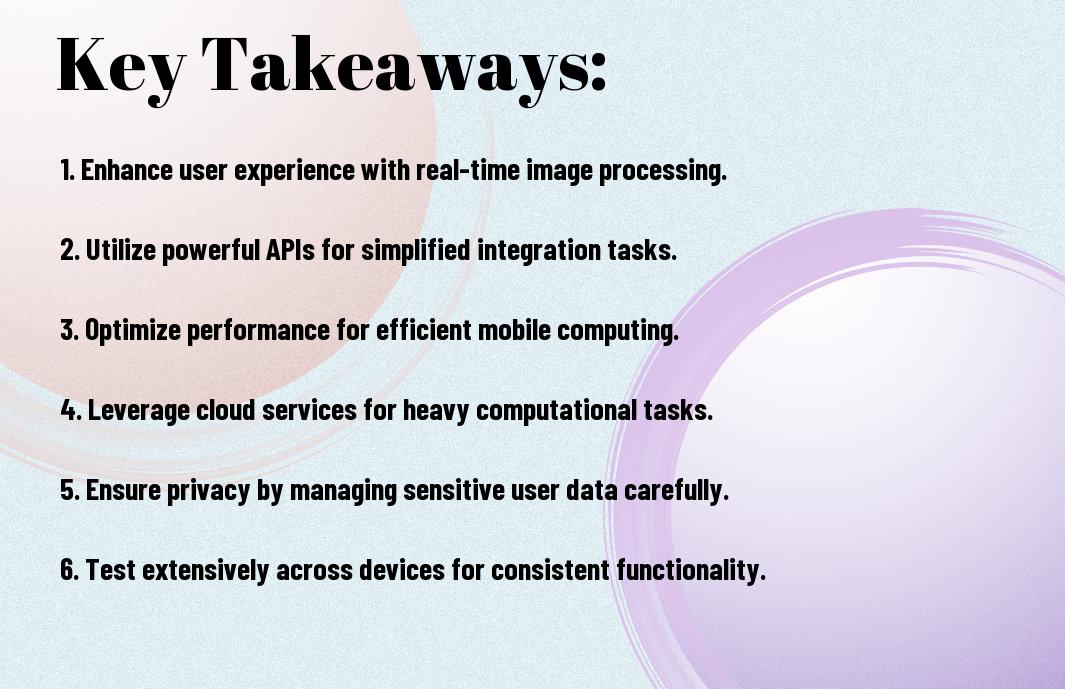
Key Takeaways:
- Enhanced User Experience: Integrating computer vision into mobile applications can significantly enhance the user experience by enabling features such as image recognition, object detection, and augmented reality, making interactions more engaging and intuitive.
- Improved Accuracy: Computer vision can improve the accuracy of various mobile application functions, such as barcode scanning, facial recognition, and text recognition, leading to increased efficiency and reduced errors.
- Increased Accessibility: Computer vision-powered mobile applications can provide assistance to people with disabilities, such as visually impaired individuals, by offering features like image description, object detection, and text-to-speech functionality.
- Expanded Functionality: Integrating computer vision into mobile applications can unlock new features and capabilities, such as automated photo editing, scene understanding, and activity recognition, expanding the range of tasks that can be performed on a mobile device.
- Competitive Advantage: By incorporating computer vision into their mobile applications, businesses can gain a competitive edge in the market, differentiating themselves from others and providing innovative solutions that meet the evolving needs of their customers.

Core Computer Vision Components
Your mobile application’s computer vision capabilities rely on several key components, including image processing, machine learning, and data analysis, which work together to enable your app to interpret and understand visual data from the world around it.
Image Processing Fundamentals
Before plunging into the complexities of computer vision, you need to understand the basics of image processing, which involves manipulating and enhancing digital images to extract relevant information and prepare them for analysis.
Machine Learning Integration
Before integrating machine learning into your computer vision system, you should consider the type of models and algorithms that will best suit your application’s specific needs and goals, such as object detection or image classification.
Considering the vast amounts of data required to train machine learning models, you will need to develop a strategy for collecting, labeling, and preprocessing your data to ensure that your models are accurate and reliable, and you can use techniques such as transfer learning to leverage pre-trained models and accelerate your development process.
Mobile Platform Considerations
Some mobile platforms have specific requirements and limitations that you need to consider when integrating computer vision into your mobile application, such as varying screen sizes and processing power.
Hardware Capabilities
Beneath the surface, your mobile device’s hardware capabilities will impact the performance of your computer vision application, and you should choose a platform that can handle the demands of your app.
Performance Optimization
Along with selecting the right hardware, you will need to optimize your application’s performance to ensure seamless execution of computer vision tasks, and you can achieve this by leveraging platform-specific tools and frameworks.
The performance optimization of your computer vision application is vital to its success, and you can achieve this by using techniques such as model pruning, quantization, and knowledge distillation to reduce the computational requirements of your models, allowing your application to run smoothly on a wide range of devices, and you should also consider using platform-specific optimizations to take advantage of the unique capabilities of each device.
Implementation Frameworks
After selecting the right computer vision technology, you need to choose an implementation framework that fits your mobile application’s requirements. This involves considering factors such as development time, cost, and platform support.
Native Development Tools
Along with the growth of mobile devices, native development tools have become more sophisticated, allowing you to create high-performance computer vision applications for specific platforms, such as iOS or Android, using languages like Swift or Java.
Cross-platform Solutions
Developing your application with cross-platform solutions enables you to deploy your computer vision application on multiple platforms, including iOS and Android, using a single codebase, which can save you time and resources in the long run, as you can maintain and update your application more efficiently.
Indeed, cross-platform solutions provide you with a range of benefits, including reduced development time, lower costs, and increased maintainability, making it an attractive option for you to integrate computer vision into your mobile application, and with the right framework, you can focus on creating a seamless user experience, leveraging the power of computer vision to drive engagement and innovation in your application.
Real-time Processing
Despite the complexity of computer vision tasks, you can achieve real-time processing in your mobile applications by leveraging optimized algorithms and hardware acceleration, enabling you to analyze and respond to visual data quickly.
Stream Management
Processing large amounts of visual data in real-time requires efficient stream management, allowing you to handle multiple video streams and prioritize tasks to ensure seamless execution of your computer vision pipeline.
Memory Optimization
After implementing your computer vision model, you need to optimize memory usage to prevent performance degradation, ensuring your application can handle complex tasks without compromising user experience, and you can achieve this by using techniques such as model pruning and knowledge distillation.
In addition, to further optimize memory usage, you can consider using lightweight models, compressing data, and leveraging hardware capabilities, such as GPU acceleration, to reduce the computational load and improve the overall performance of your application, allowing you to deliver a responsive and efficient user experience.
Security and Privacy
Unlike other technologies, computer vision raises unique security and privacy concerns when integrated into mobile applications, and you must consider these risks to protect your users’ sensitive information.
Data Protection
Beneath the surface of computer vision lies the need for robust data protection measures, and you will need to implement encryption and secure storage to safeguard the visual data your application collects and processes.
User Consent Management
Against the backdrop of increasing regulatory scrutiny, you must prioritize user consent management, ensuring that your application clearly communicates how it uses computer vision and obtains explicit consent from users before collecting and processing their visual data.
Consent is a fundamental aspect of user consent management, and you should design your application to provide transparent and easily accessible information about its computer vision capabilities, allowing users to make informed decisions about their data and privacy preferences, and enabling them to opt-out or withdraw consent at any time.
User Experience Design
Not only is computer vision a powerful tool, but it also requires careful consideration of user experience design to ensure seamless integration into your mobile application.
Interface Integration
For instance, when integrating computer vision into your app, you should consider how the technology will interact with your existing interface, ensuring a cohesive and intuitive user experience.
Feedback Mechanisms
Users expect clear and timely feedback when interacting with your app, and computer vision is no exception, you will need to design feedback mechanisms that inform users of the app’s actions and decisions.
Indeed, designing effective feedback mechanisms for computer vision in your mobile application involves considering the types of feedback that will be most useful to you, such as visual, auditory, or haptic cues, and ensuring that they are implemented in a way that is clear and consistent, allowing you to understand and interact with the app’s computer vision features with ease.
To wrap up
The integration of computer vision into your mobile applications can significantly enhance your user experience. As you explore this technology, you will discover new ways to leverage visual data, enabling your apps to interpret and interact with the world around them. By incorporating computer vision, you can unlock innovative features and capabilities, setting your mobile applications apart from the rest.
FAQ
Q: What are the benefits of integrating computer vision into mobile applications?
A: Integrating computer vision into mobile applications can significantly enhance the user experience by enabling devices to interpret and understand visual data from the environment. This technology can be used for various purposes such as image recognition, object detection, facial recognition, and augmented reality, thereby opening up new possibilities for interactive and immersive experiences. For instance, a shopping app can use computer vision to allow users to scan a product and instantly access its details, reviews, and prices, making the shopping experience more engaging and convenient.
Q: How does computer vision work in mobile applications, and what are the key technologies involved?
A: Computer vision in mobile applications works by using cameras and sophisticated algorithms to process and analyze visual data. The key technologies involved include machine learning models, deep learning algorithms, and convolutional neural networks (CNNs), which enable devices to learn from large datasets and improve their accuracy over time. Additionally, technologies such as optical character recognition (OCR), barcode scanning, and scene understanding play important roles in various computer vision applications. These technologies, when integrated into mobile apps, can enable a wide range of functionalities, from simple tasks like scanning documents to complex tasks like navigating through unfamiliar environments.
Q: What are the challenges and limitations of integrating computer vision into mobile applications, and how can developers overcome them?
A: Integrating computer vision into mobile applications can pose several challenges, including ensuring the accuracy and reliability of the technology, addressing privacy concerns related to camera access and data storage, and optimizing the performance of the app to prevent battery drain and maintain a seamless user experience. To overcome these challenges, developers can focus on optimizing their algorithms for mobile devices, using cloud-based services for processing-intensive tasks, and implementing robust testing and validation procedures to ensure the accuracy and reliability of the computer vision functionality. Furthermore, developers should prioritize transparency and user consent when it comes to data collection and usage, providing clear guidelines on how the app uses computer vision and the data it collects.