
As you develop and deploy your apps, you need to ensure they are thoroughly tested and debugged to provide a seamless user experience. You can streamline this process by leveraging AI tools, which enable you to automate testing and debugging, saving time and effort. With AI-powered solutions, you can identify and fix issues quickly, improving your app’s overall quality and reliability, allowing you to focus on enhancing your app’s features and functionality.
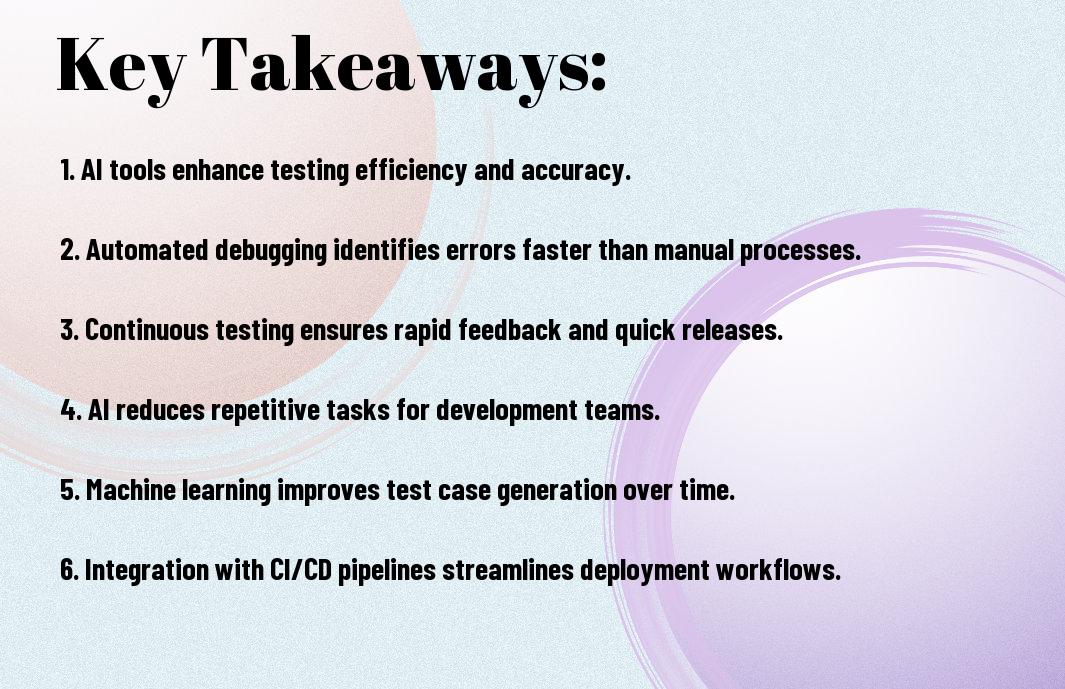
Key Takeaways:
- Automating app testing and debugging with AI tools can significantly reduce the time and effort required to identify and fix issues, allowing developers to focus on improving the overall quality and user experience of their applications.
- AI-powered testing tools can analyze large amounts of data and identify patterns, enabling them to detect bugs and errors that may be difficult or impossible for human testers to find, and provide detailed reports to facilitate debugging.
- AI-driven automation can also help optimize testing workflows, prioritize test cases, and predict potential issues, making the testing process more efficient and effective, and reducing the risk of releasing faulty applications.
- Integrating AI tools into the development pipeline can facilitate continuous testing and debugging, enabling developers to identify and address issues early on, and ensuring that applications meet the required standards and are reliable, stable, and secure.
- By leveraging AI-powered testing and debugging tools, developers can improve the overall speed and accuracy of their testing processes, and deliver high-quality applications that meet user expectations and drive business success.
The Evolution of App Testing
A significant transformation has taken place in the app testing landscape, and you are now witnessing a new era of automation and efficiency. Your testing processes are becoming more streamlined, and the results are more accurate than ever before.
Traditional Testing Methods
Against the backdrop of manual testing, you had to rely on human testers to identify bugs and errors, which was time-consuming and prone to mistakes. Your team had to spend countless hours testing your app, and even then, some issues might have gone undetected.
Rise of AI-Powered Solutions
Across the industry, you see a shift towards AI-powered testing tools that can simulate user interactions, identify bugs, and provide insights into your app’s performance. Your testing process is becoming faster, more efficient, and accurate, thanks to these innovative solutions.
With the advent of AI-powered testing, you can now automate your testing processes, saving time and resources. You can test your app on multiple platforms, devices, and operating systems, ensuring that it works seamlessly across different environments. Your testing team can focus on more complex issues, while AI tools handle the repetitive and mundane tasks, making your overall testing process more efficient and effective.
Core AI Testing Components
Assuming you have a basic understanding of AI testing, you’ll need to familiarize yourself with the core components that make up this technology. These components work together to enable efficient and effective testing of your app.
Machine Learning Algorithms
Albeit complex, machine learning algorithms are a key part of AI testing, allowing you to analyze data and make predictions about your app’s performance, enabling you to identify and fix issues quickly.
Pattern Recognition Systems
Typically, testing involves identifying patterns in your app’s behavior, and pattern recognition systems help you do just that, enabling you to detect anomalies and bugs in your app.
This technology uses historical data to identify patterns, allowing you to anticipate and prevent issues, making your app more stable and reliable, and you can use this information to improve your app’s overall quality and user experience.
Automated Testing Frameworks
Once again, you’ll find that automated testing frameworks are crucial for streamlining your app testing process, allowing you to focus on development and innovation, as they enable you to write and execute tests efficiently, saving your time and effort.
Code Analysis Tools
Around this time, you will be using code analysis tools to examine your code, identifying potential issues and vulnerabilities, and providing you with insights to improve your code quality, making your app more stable and reliable.
Performance Monitoring
The key to ensuring your app’s smooth operation is performance monitoring, which helps you track your app’s performance in real-time, detecting bottlenecks and areas for optimization, enabling you to make data-driven decisions to improve your app’s user experience.
Frameworks like Appium and Selenium provide you with the tools to monitor your app’s performance, allowing you to identify issues before they affect your users, and you can use this information to optimize your app’s performance, ensuring that it runs smoothly and efficiently, which is crucial for providing a good user experience, and you can use your knowledge of performance monitoring to improve your app’s overall quality.
AI-Driven Debugging
All your efforts to automate app testing will be in vain if you don’t have a robust debugging process in place. AI-driven debugging helps you identify and fix errors quickly, saving you time and resources. With AI, you can analyze vast amounts of data and detect patterns that may indicate potential issues.
Predictive Error Detection
Akin to having a crystal ball, predictive error detection uses machine learning algorithms to forecast potential errors before they occur, allowing you to take proactive measures to prevent them, thus ensuring your app’s stability and performance.
Root Cause Analysis
Against the backdrop of complex software systems, root cause analysis helps you pinpoint the underlying causes of errors, enabling you to address the problem at its core, rather than just treating its symptoms, which helps you improve your app’s overall quality.
In fact, when you use AI-driven root cause analysis, you can analyze large amounts of data from various sources, such as logs and user feedback, to identify the root cause of an issue, and then use that information to fix the problem and prevent similar issues from arising in the future, ultimately improving your app’s reliability and user experience.
Real-Time Testing Solutions
Your application’s success relies on efficient testing and debugging, and AI tools can help you achieve this by providing real-time solutions that streamline your development process.
Continuous Integration
Testing your code continuously is imperative, and with AI-powered tools, you can automate this process, ensuring that your application is stable and functional at all times, allowing you to identify and fix issues quickly.
Dynamic Test Generation
Behind every successful application is a robust testing strategy, and AI-driven dynamic test generation can help you create tests that cover all scenarios, giving you confidence in your application’s performance and reliability.
Dynamic test generation allows you to create a wide range of tests, from simple to complex, and you can use these tests to validate your application’s functionality, identifying bugs and issues before they affect your users, and you can refine your testing strategy as you gather more data and insights from your tests.

Security Testing with AI
For your app’s security, AI tools can identify vulnerabilities and detect threats, ensuring your users’ data is protected. You can use AI-powered tools to scan your app’s code, detect anomalies, and predict potential security breaches.
Vulnerability Assessment
Assessing your app’s security is made easier with AI-powered tools that can scan your code and identify potential vulnerabilities, allowing you to take proactive measures to secure your app and protect your users’ data.
Threat Detection
Between various security threats, AI tools can help you detect and respond to potential threats in real-time, giving you peace of mind and ensuring your app’s security.
And as you explore deeper into threat detection, you’ll find that AI tools can analyze patterns and anomalies in your app’s behavior, detecting potential threats before they become incidents, and providing you with detailed reports and recommendations to improve your app’s security posture, allowing you to take swift action to protect your users and your business.
Summing up
The use of AI tools for automating app testing and debugging can significantly improve your development process. You can identify and fix issues faster, saving your time and resources. By leveraging AI-powered tools, you can optimize your testing and debugging workflow, ensuring your app meets the highest quality standards. You will be able to deliver a better user experience, increasing your app’s success and your overall productivity.
FAQ
Q: What are the benefits of automating app testing and debugging with AI tools?
A: Automating app testing and debugging with AI tools offers several benefits, including increased efficiency, reduced testing time, and improved accuracy. AI-powered tools can quickly identify and report defects, allowing developers to focus on fixing issues rather than manually testing the app. Additionally, AI tools can test apps under various scenarios and conditions, ensuring that the app is stable and functions as expected. This helps to enhance the overall quality of the app and improve user experience.
Q: How do AI tools assist in app testing and debugging, and what types of tests can they perform?
A: AI tools assist in app testing and debugging by leveraging machine learning algorithms to analyze the app’s behavior, identify patterns, and detect anomalies. These tools can perform various types of tests, including functional testing, performance testing, and security testing. They can also conduct exploratory testing, where the AI tool interacts with the app to discover new features and functionalities. Furthermore, AI tools can generate test cases, create test scripts, and even execute tests, freeing up human testers to focus on more complex and high-level testing tasks.
Q: What are the challenges and limitations of using AI tools for automating app testing and debugging, and how can they be addressed?
A: While AI tools can significantly enhance app testing and debugging, there are challenges and limitations to consider. One of the main challenges is the need for high-quality training data to ensure that the AI tool can effectively learn and adapt to the app’s behavior. Additionally, AI tools may struggle with complex, nuanced, or context-dependent testing scenarios. To address these challenges, developers can provide the AI tool with comprehensive training data, fine-tune the tool’s algorithms, and use a combination of automated and manual testing approaches. By doing so, developers can maximize the benefits of AI-powered testing and debugging while minimizing its limitations.


