
You’re likely no stranger to using PDFs in your business, but are you leveraging them effectively for product demos and sales presentations? Your ability to showcase your product’s value and features in a clear, concise manner can make all the difference in converting leads into customers. By utilizing PDFs in a strategic way, you can create engaging, interactive presentations that resonate with your audience and drive sales. In this post, you’ll learn how to harness the power of PDFs to boost your sales presentations.
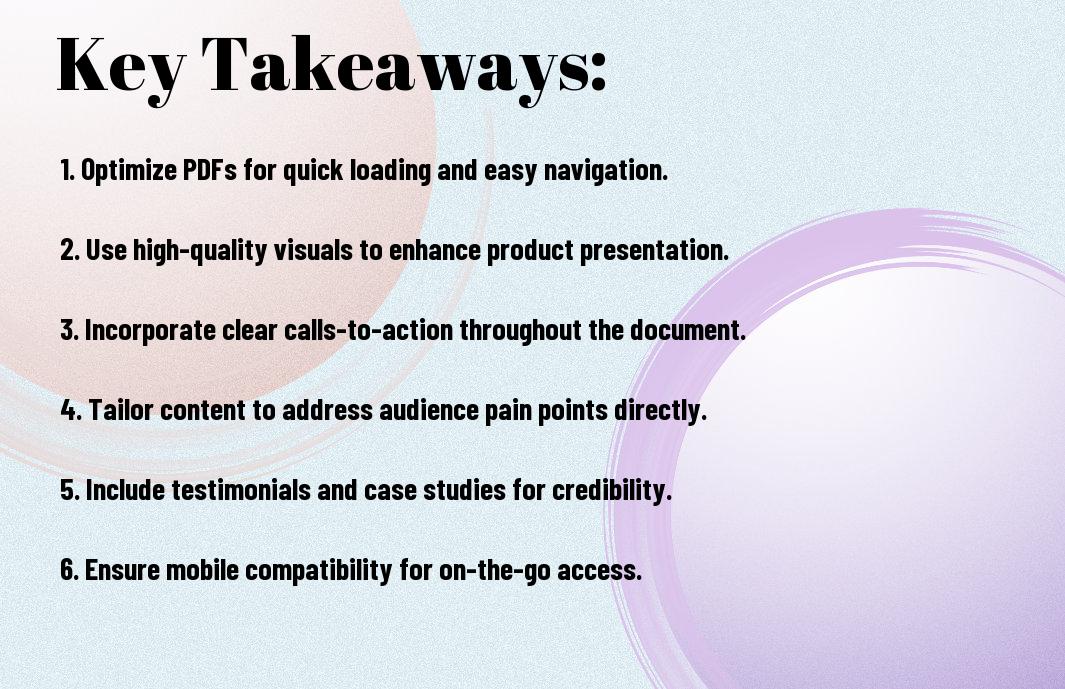
Key Takeaways:
- Using interactive PDFs for product demos and sales presentations can significantly enhance the viewer’s experience, allowing them to engage more deeply with the content and increasing the likelihood of conversion.
- PDFs can be designed to include multimedia elements such as videos, animations, and links, making them a versatile tool for showcasing products and services in a more dynamic and captivating way.
- By incorporating clear calls-to-action and tracking engagement metrics within PDFs, businesses can effectively measure the success of their sales presentations and make data-driven decisions to optimize their sales strategies.

The Power of PDF in Modern Sales
Your sales strategy can benefit from using PDFs, as they offer a flexible and engaging way to showcase products. You can create interactive PDFs by checking out the Interactive PDF Guide: Examples and Content Tips to enhance your sales presentations.
PDF Accessibility Across Devices
For maximum reach, PDFs can be accessed on various devices, allowing you to share your product demos and sales presentations with a wider audience, regardless of the device they use.
Professional Document Control
Devices such as laptops, tablets, and smartphones can be used to access and control your PDF documents, giving you the flexibility to present your products in a professional manner.
Hence, with professional document control, you can ensure that your product demos and sales presentations are displayed consistently across all devices, maintaining your brand’s image and helping you to convert leads into sales, as you have full control over the layout, design, and content of your PDFs.
Creating Engaging PDF Presentations
Now that you’re considering using PDFs for product demos and sales presentations, it’s necessary to create engaging content that captures your audience’s attention and drives conversions.
Visual Hierarchy and Design Elements
About the design of your PDF, you should prioritize a clear visual hierarchy, using headings, images, and fonts to guide your readers through the content and highlight key points.
Interactive Features Integration
Between the various design elements, you can integrate interactive features such as links, buttons, and fillable forms to enhance the user experience and encourage engagement with your content.
Understanding how to effectively integrate interactive features into your PDF presentations is key to creating a dynamic and immersive experience for your audience, allowing you to showcase your products and services in a more engaging and memorable way, and ultimately driving more conversions and sales for your business.
Sales-Optimized PDF Structure
Keep your PDFs structured to effectively communicate your product’s value, you can learn more about creating Interactive PDFs for Sales and Marketing Teams to boost your sales presentations.
Problem-Solution Framework
Between the introduction and conclusion, you should clearly outline the problem and your solution, making it easy for your audience to understand your product’s benefits.
Value Proposition Placement
Sales-optimized PDFs place the value proposition prominently, ensuring you immediately capture your audience’s attention with a clear and compelling message.
Also, by placing your value proposition at the beginning of your PDF, you set the tone for the rest of the presentation, allowing you to effectively communicate your product’s unique benefits and features, and ultimately driving conversions and sales, as you tailor your PDF to your audience’s needs, you increase the likelihood of a successful presentation.
Converting Prospects Through PDF Design
Despite the rise of digital media, PDFs continue to be an effective way to showcase your products and services. You can use them to create interactive and engaging content that resonates with your target audience, increasing the chances of conversion.
Call-to-Action Implementation
Above all, your PDF design should include a clear call-to-action, prompting your prospects to take the next step. You should place it strategically, making it easy for your audience to follow through with your desired action.
Decision-Making Triggers
Behind every successful conversion is a well-designed PDF that incorporates elements that trigger decision-making. You can use social proof, such as customer testimonials, to build trust and credibility with your prospects.
Triggers such as scarcity, exclusivity, and benefits-focused content can motivate your audience to make a decision. You can use these triggers in your PDF design to create a sense of urgency, encouraging your prospects to take action and ultimately driving conversions. As you design your PDF, consider what triggers will resonate with your target audience and incorporate them effectively to maximize your results.
PDF Analytics and Tracking
Unlike other file formats, PDFs can be tracked and analyzed to provide valuable insights into your product demos and sales presentations. You can use this data to refine your approach and improve your conversion rates.
Viewer Engagement Metrics
About the time your viewers spend on each page, you can gain insights into what resonates with them and what doesn’t, allowing you to adjust your content accordingly, and you can use this information to create more effective PDFs.
Follow-up Optimization
Between the initial send and the follow-up, you can use PDF analytics to determine the best course of action, and you can use this data to personalize your follow-up approach, increasing the chances of conversion.
In addition, by analyzing the performance of your PDFs, you can identify areas for improvement and optimize your follow-up strategy to better meet the needs of your potential customers, enabling you to tailor your approach and ultimately drive more sales, and you can use this information to refine your sales pitch and improve your overall conversion rates.
Security and Sharing Protocols
Not all PDFs are created equal, and when it comes to product demos and sales presentations, you want to ensure your content is secure. You can learn more about creating secure PDFs using tools like those mentioned in 8 Best PDF Creating Tools for Non-Designers, which can help you protect your valuable information.
Document Protection Methods
Against unauthorized access, you can use password protection, encryption, and digital rights management to safeguard your PDFs, giving you control over who can view, print, or share your content.
Distribution Best Practices
One of the most effective ways to share your PDFs is through email or a secure online platform, allowing you to track engagement and follow up with leads.
To take your distribution to the next level, you can also consider using marketing automation tools to personalize your emails and PDF content, tailoring your message to each recipient and increasing the chances of conversion, as you can track who has opened your PDF and what pages they’ve viewed, helping you to refine your sales strategy and improve your results.
Conclusion
So, you now have the tools to create effective product demos and sales presentations using PDFs. You can enhance your sales strategy by incorporating interactive elements and tracking engagement metrics. By leveraging PDFs, you can showcase your products in a compelling way, increasing the chances of converting leads into customers and growing your business. You will be able to close more deals and boost your revenue with well-designed PDF presentations.
FAQ
Q: What are the benefits of using PDFs for product demos and sales presentations?
A: Using PDFs for product demos and sales presentations offers several benefits, including easy sharing and distribution, interactive features such as links and videos, and the ability to track engagement and analytics. PDFs can also be easily updated and modified, making them a flexible and dynamic tool for sales and marketing teams. Additionally, PDFs can be accessed on a variety of devices, making them a great option for remote or in-person presentations.
Q: How can I create interactive and engaging PDFs for product demos and sales presentations?
A: To create interactive and engaging PDFs, you can use a variety of tools and features, such as Adobe Acrobat or other PDF creation software. You can add interactive elements like links, buttons, and forms, as well as multimedia content like videos, images, and animations. You can also use design principles like clear headings, concise language, and visually appealing layouts to make your PDFs easy to navigate and understand. Furthermore, you can use digital signature tools to allow customers to sign and return documents electronically.
Q: What are some best practices for designing effective PDFs for product demos and sales presentations?
A: When designing PDFs for product demos and sales presentations, it’s necessary to keep your target audience in mind and tailor your content and design accordingly. Use clear and concise language, and focus on the key benefits and features of your product or service. Use high-quality images and graphics to illustrate your points, and make sure your PDF is well-organized and easy to navigate. You should also optimize your PDF for mobile devices, as many customers will be viewing your content on their smartphones or tablets.
Q: How can I track the effectiveness of my PDFs for product demos and sales presentations?
A: To track the effectiveness of your PDFs, you can use analytics tools to monitor how customers are interacting with your content. You can track metrics like open rates, click-through rates, and time spent on each page, which can help you identify areas for improvement and optimize your PDFs for better results. You can also use feedback mechanisms, like surveys or forms, to gather input from customers and gain a better understanding of their needs and preferences. By tracking engagement and gathering feedback, you can refine your PDFs and improve their conversion rates over time.
Q: Can I use PDFs for product demos and sales presentations in conjunction with other sales and marketing tools?
A: Yes, PDFs can be used in conjunction with other sales and marketing tools to create a comprehensive and integrated sales strategy. For example, you can use PDFs as a follow-up to a webinar or video presentation, or as a leave-behind after an in-person meeting. You can also use PDFs to support other marketing channels, like email or social media, by providing additional information and resources to customers who are interested in your product or service. By combining PDFs with other sales and marketing tools, you can create a seamless and engaging customer experience that drives conversions and sales.


